Long Night of Research✥Station U27✥University of Klagenfurt✥17:00 to 23:00
Visitors brought the ideas. The AI helped build them.Issue 39 · Sheet I · press time 23:45
Filed from the lab floor
One evening.Over 90 webpages.
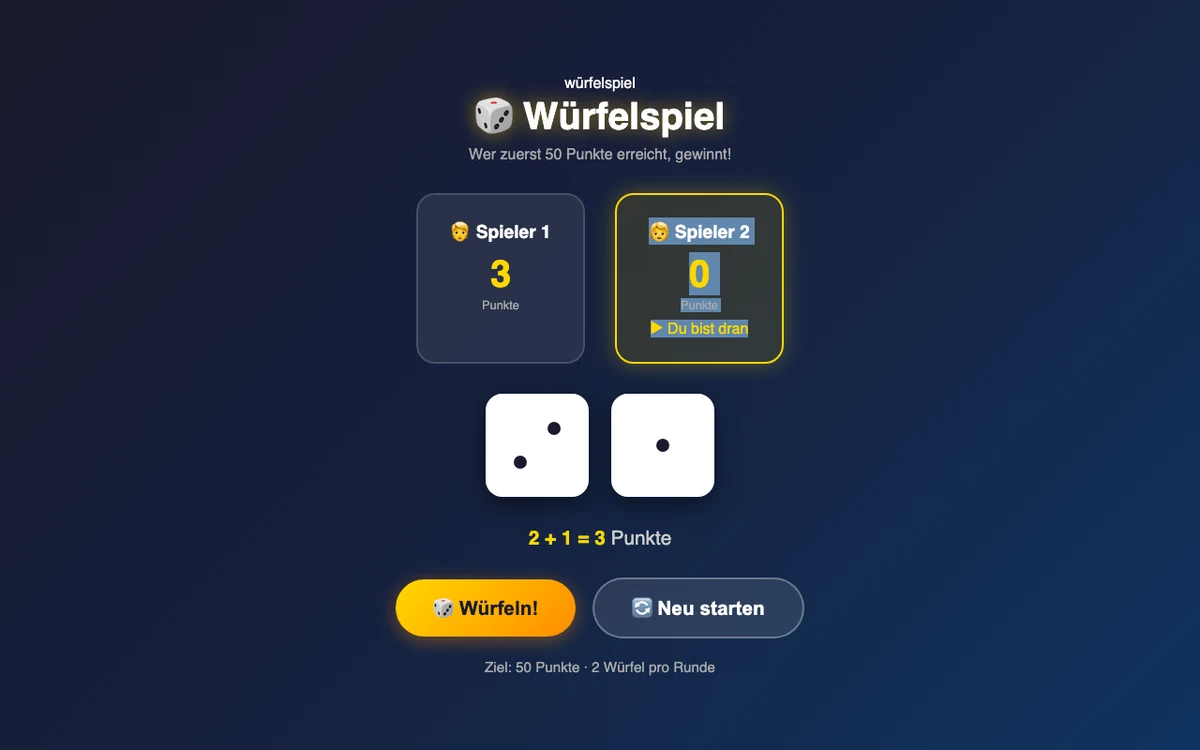
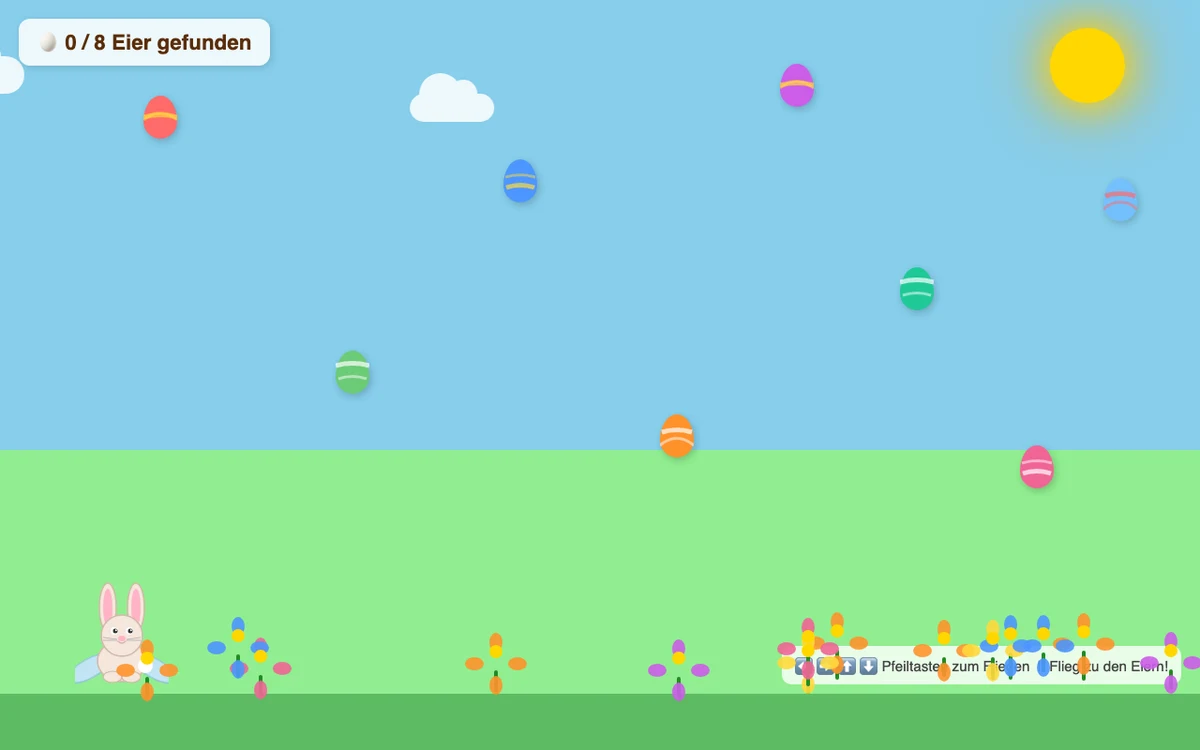
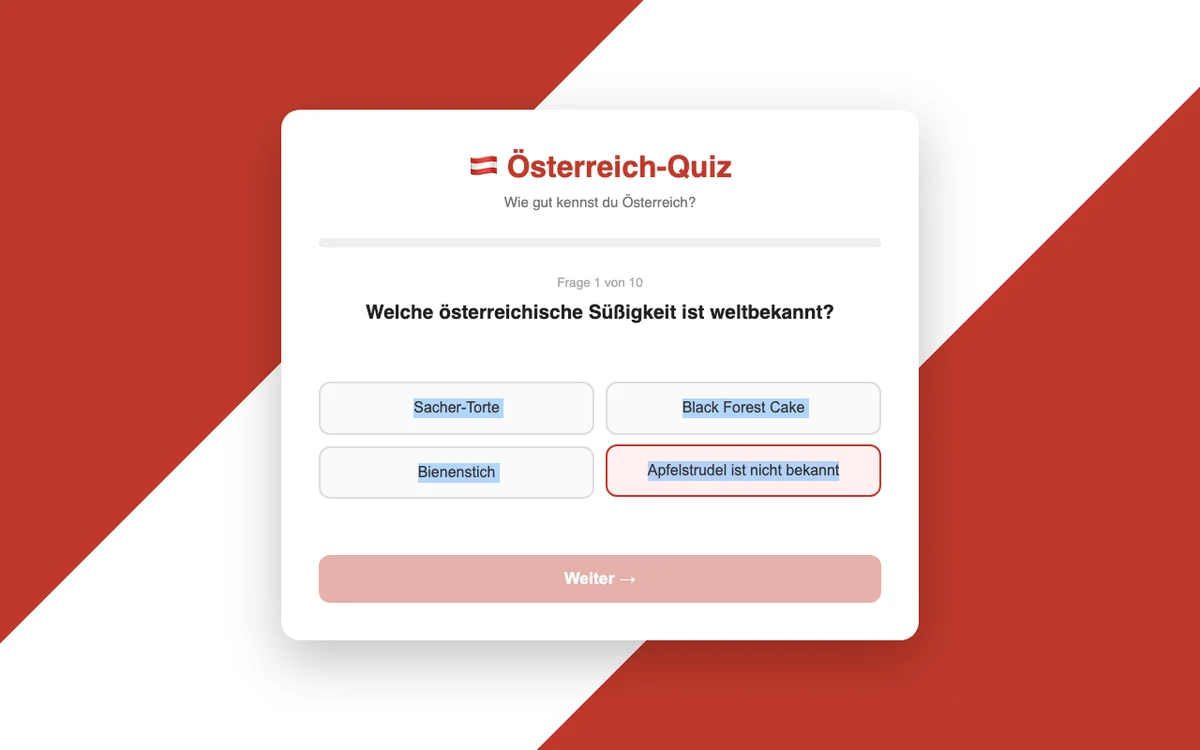
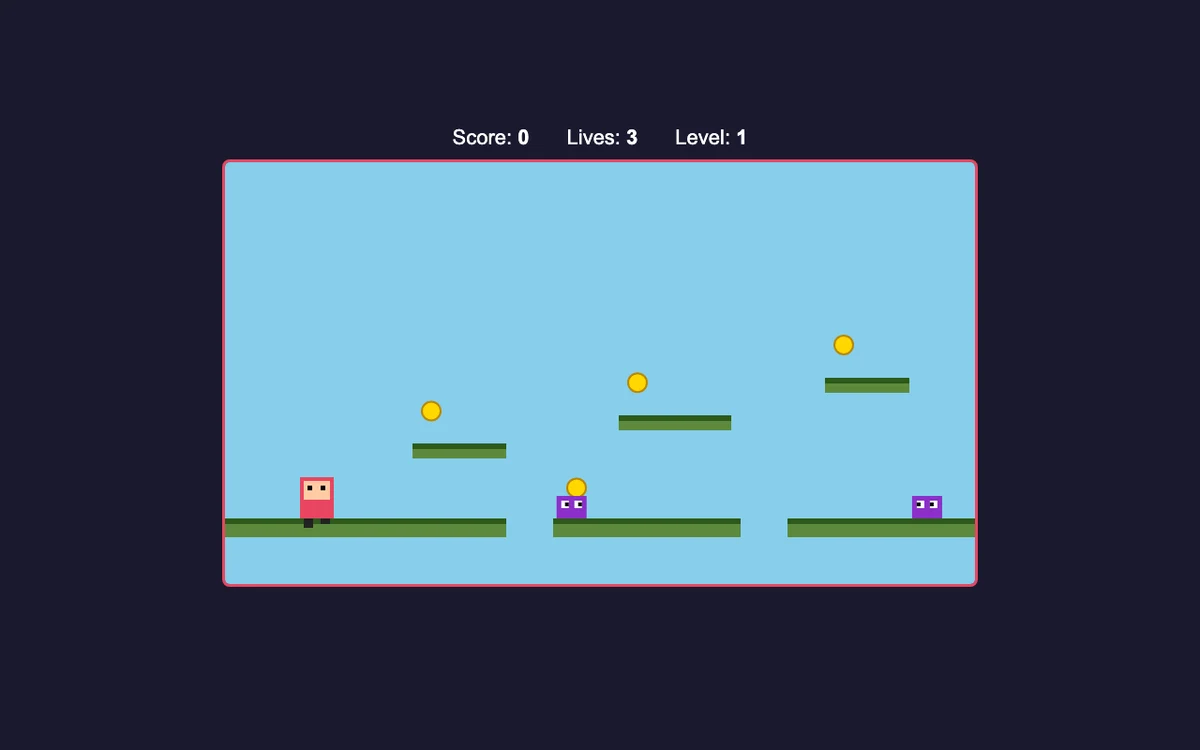
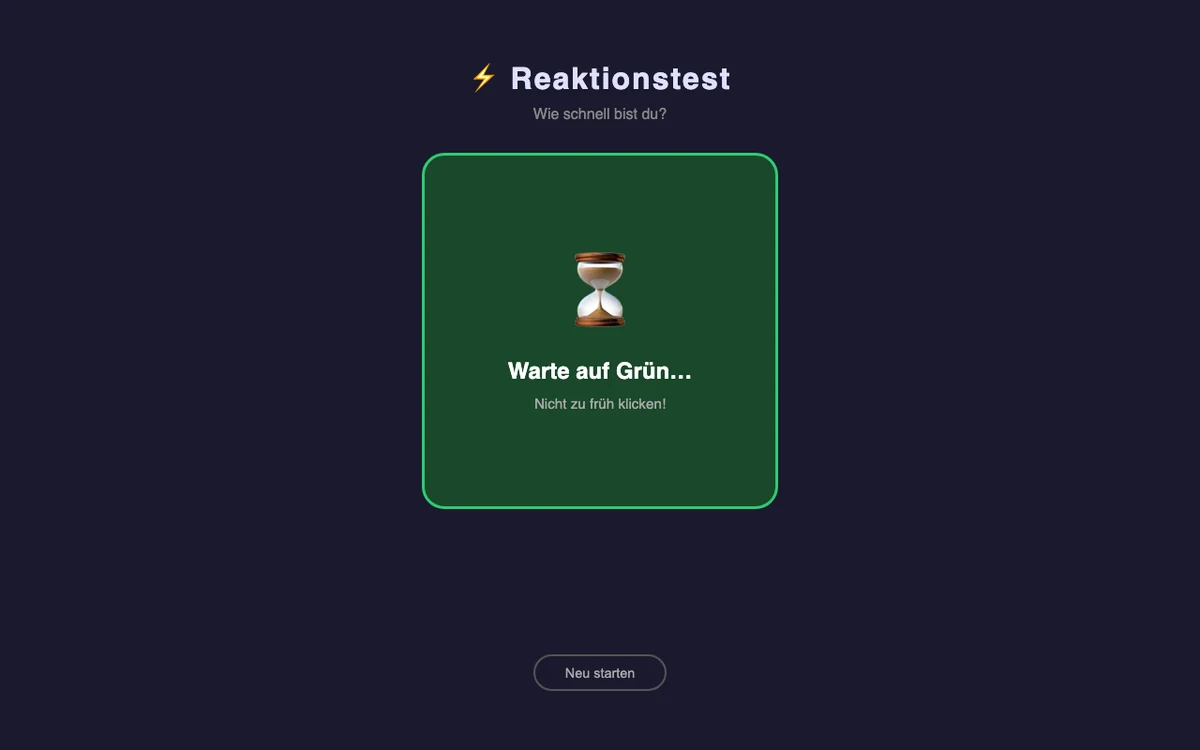
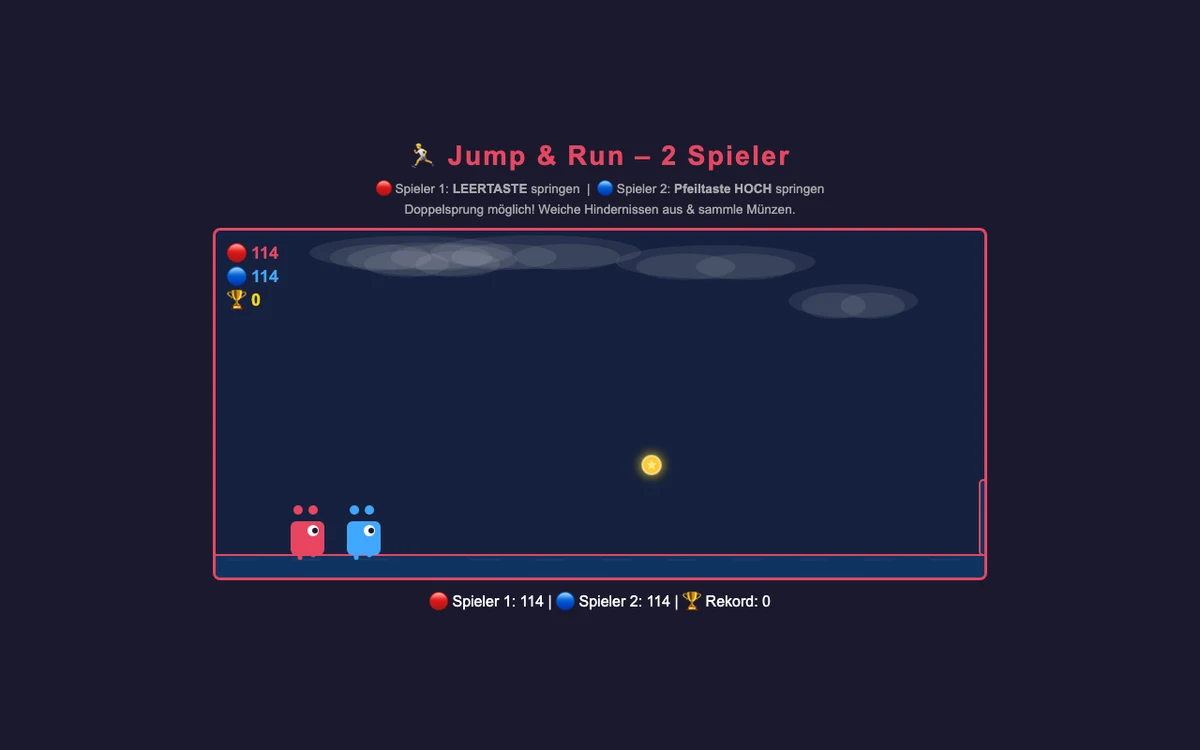
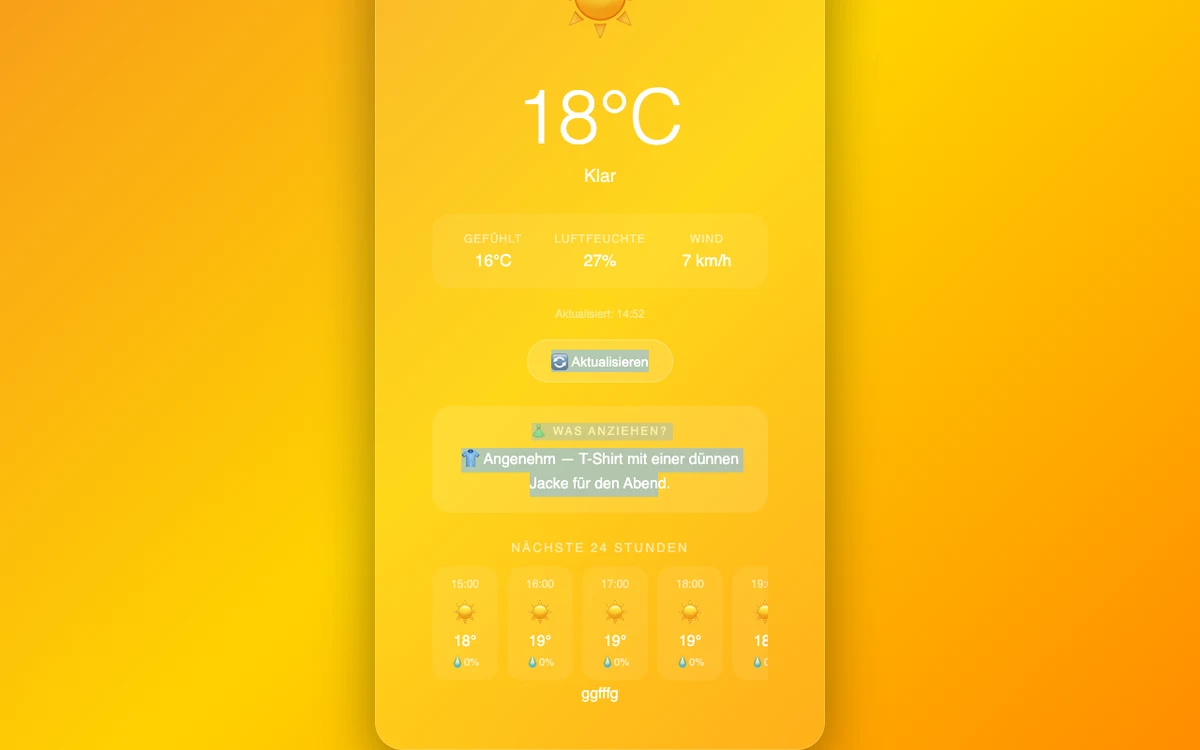
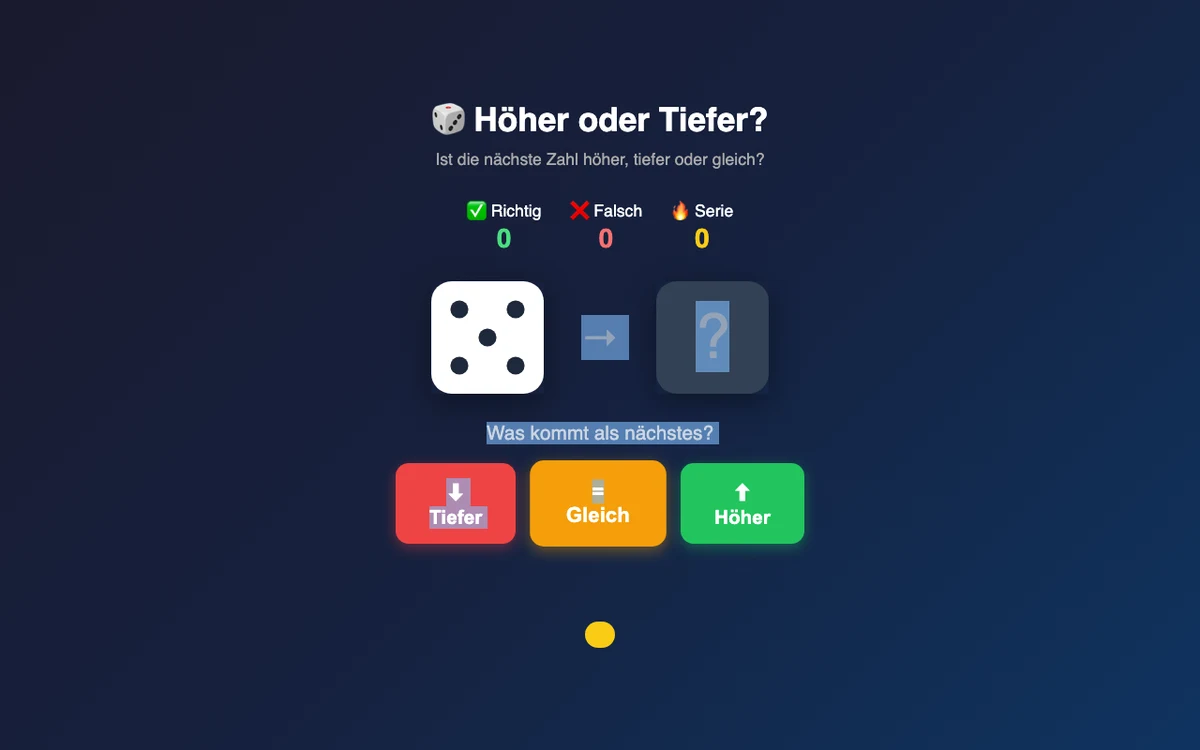
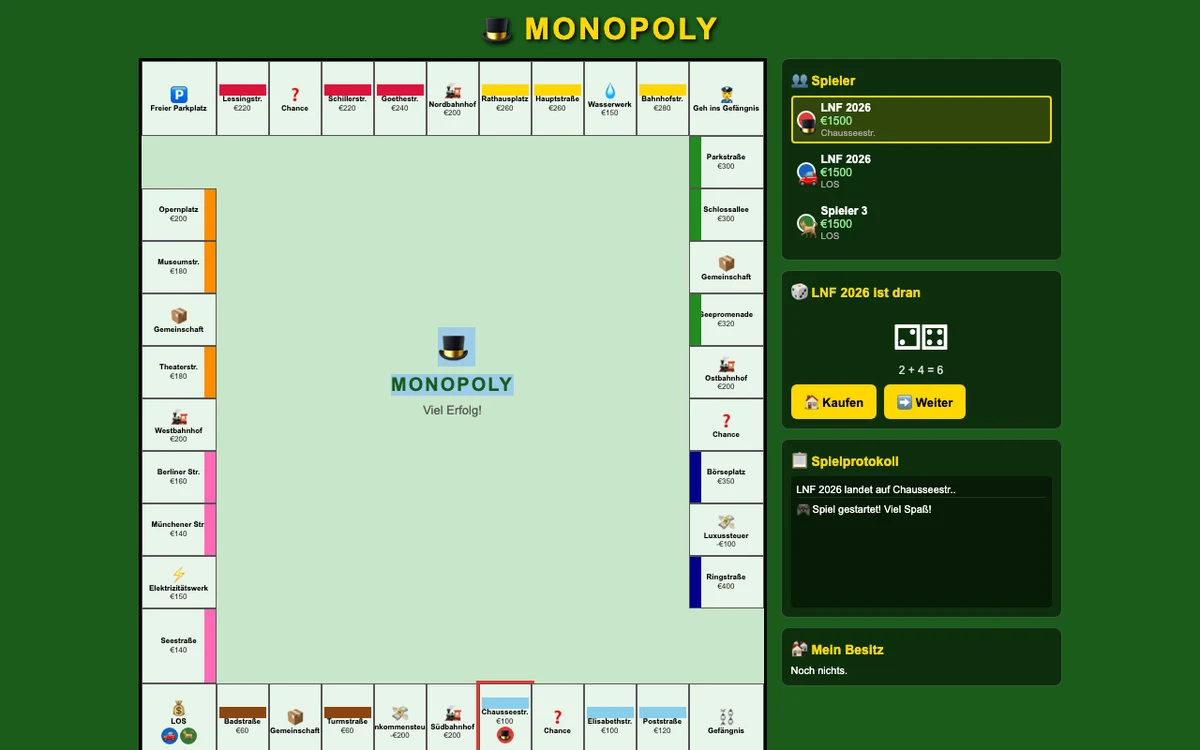
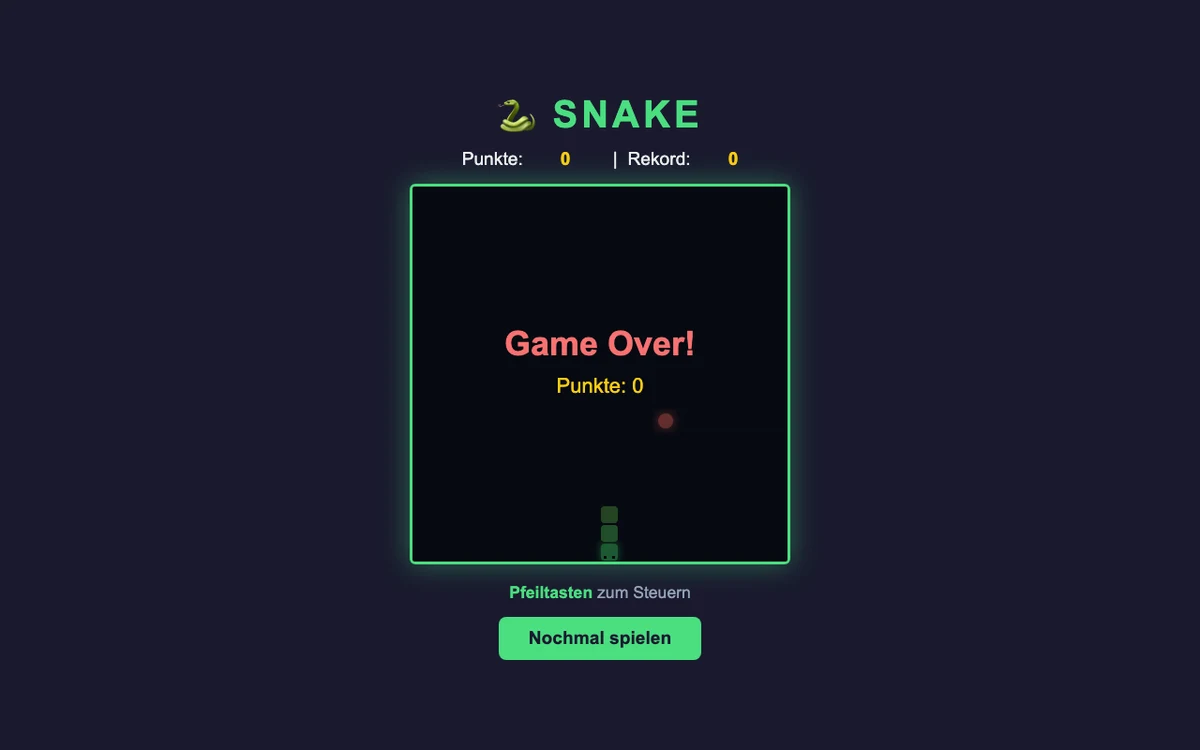
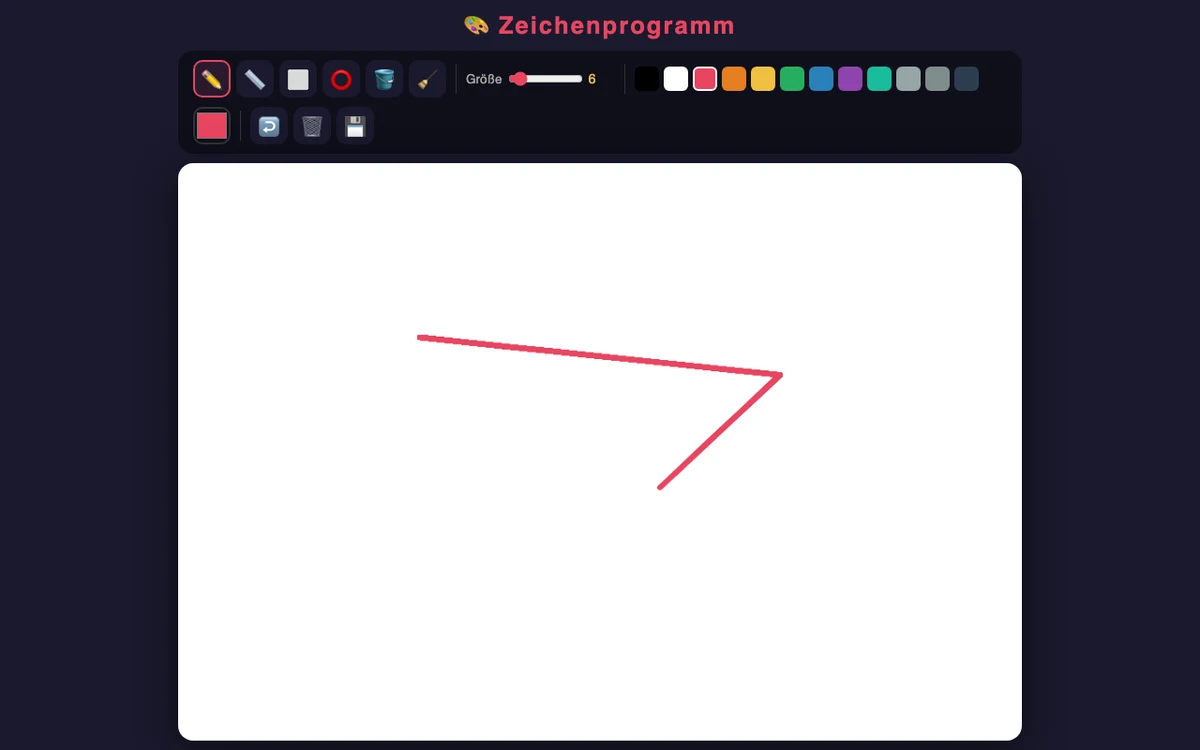
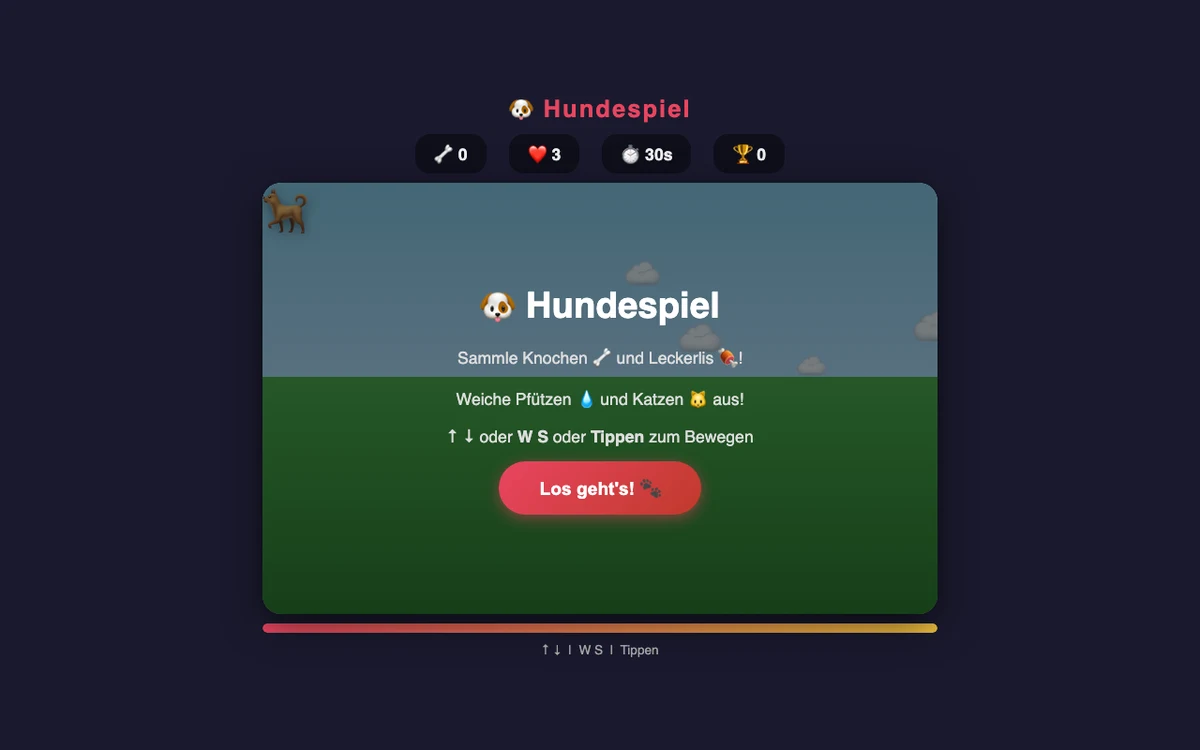
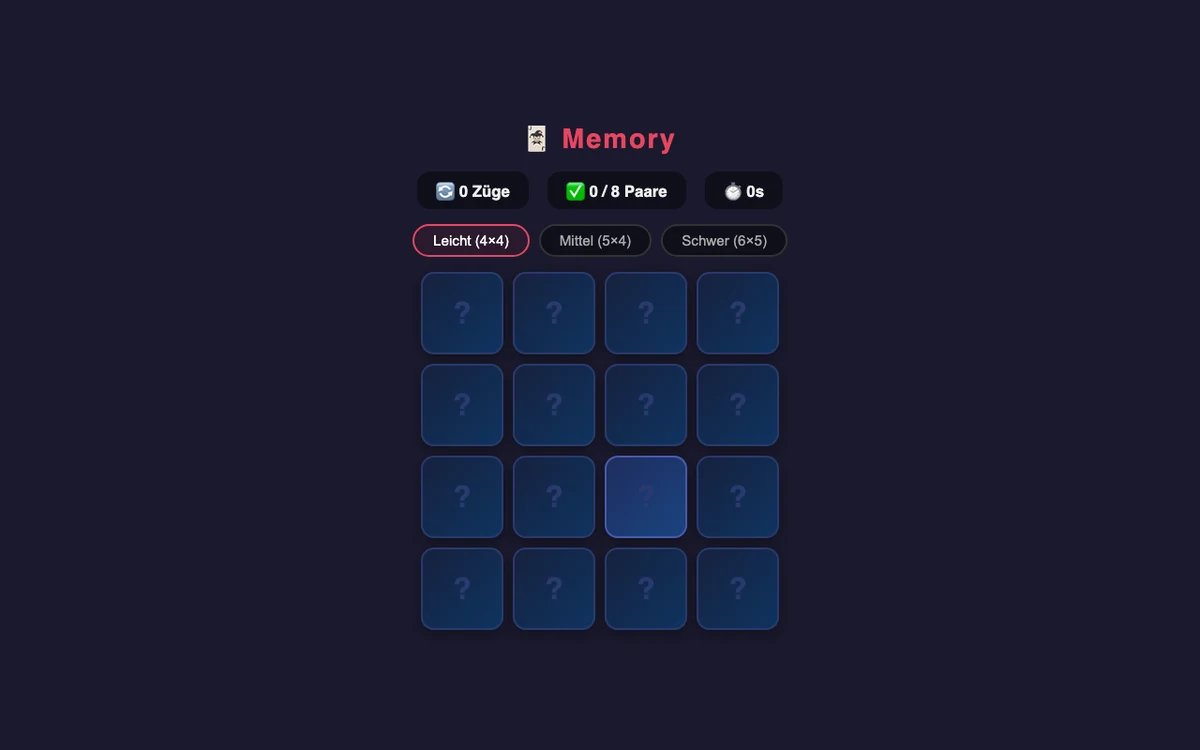
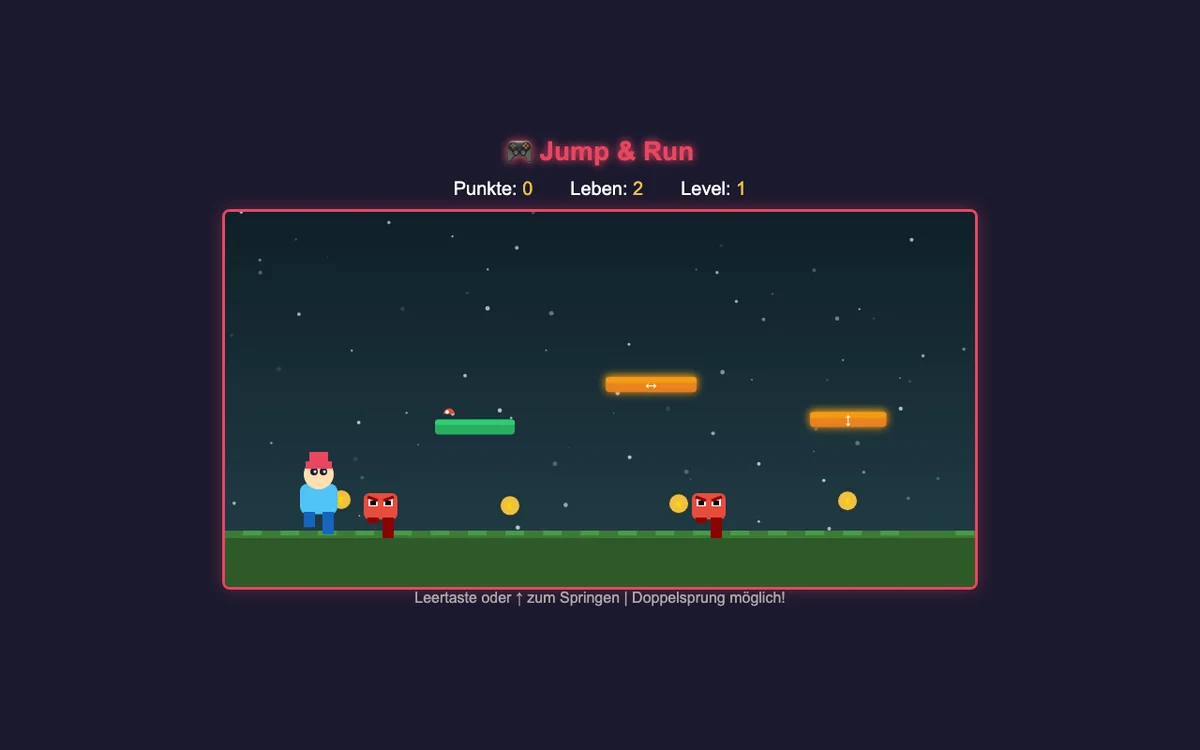
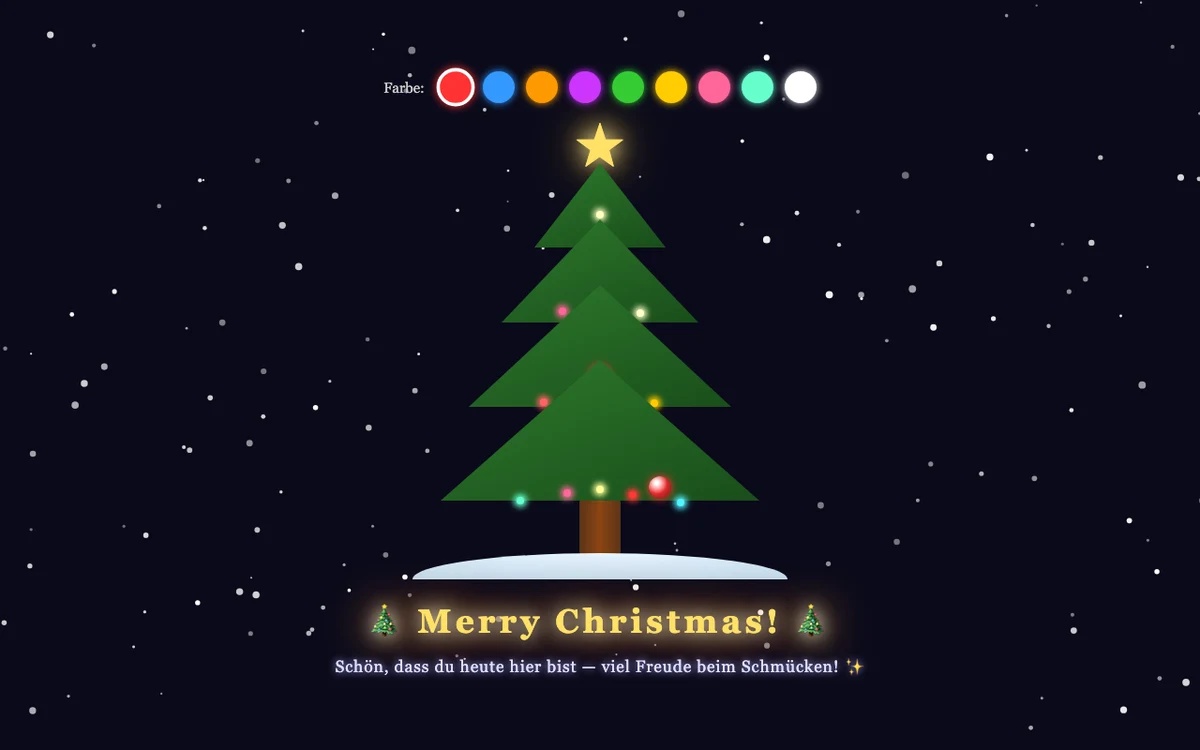
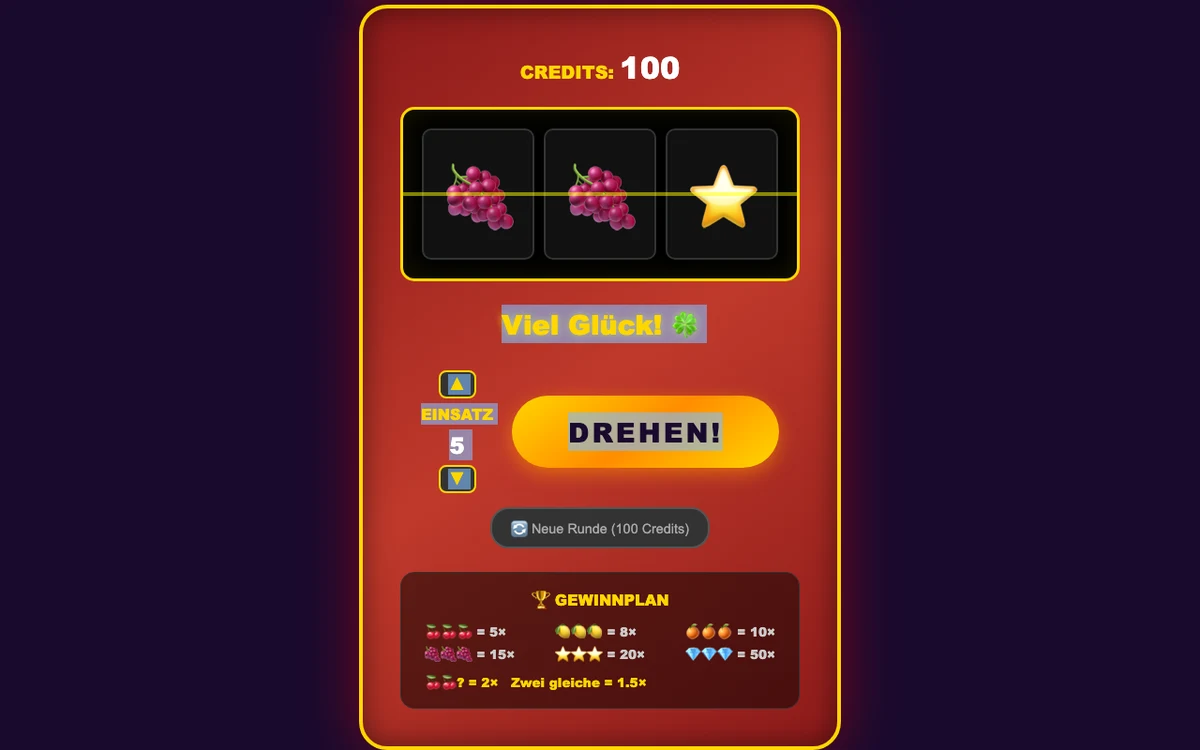
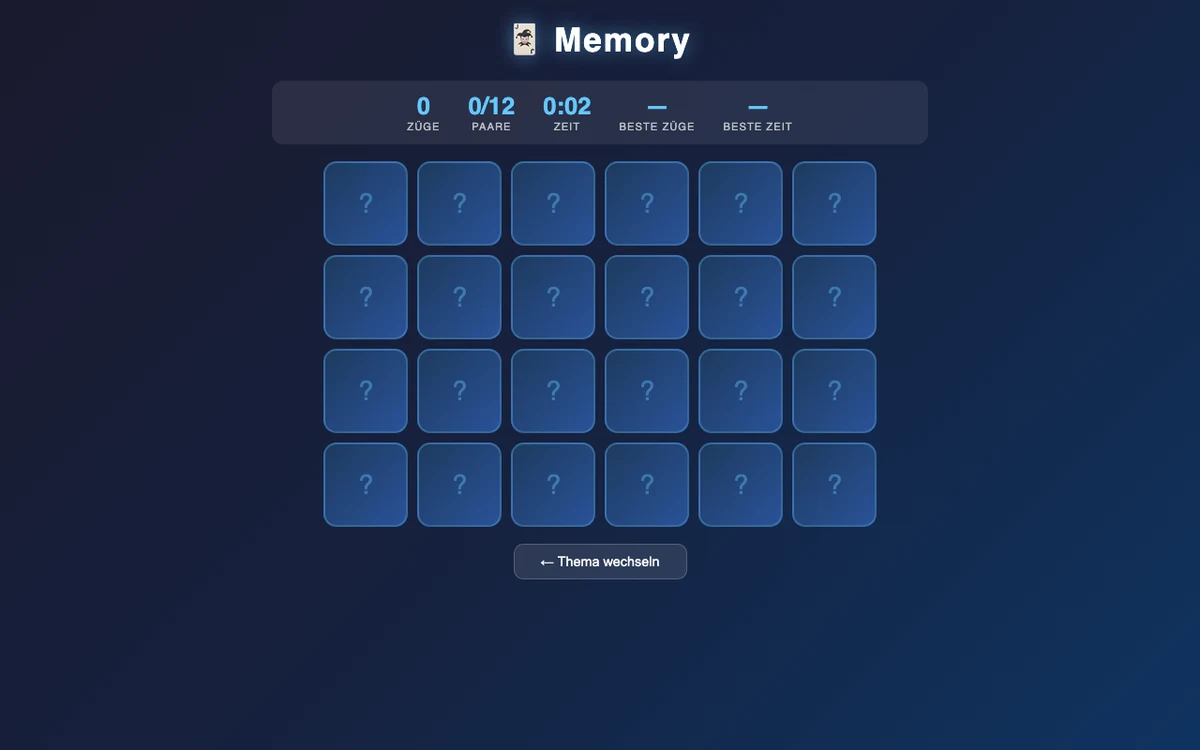
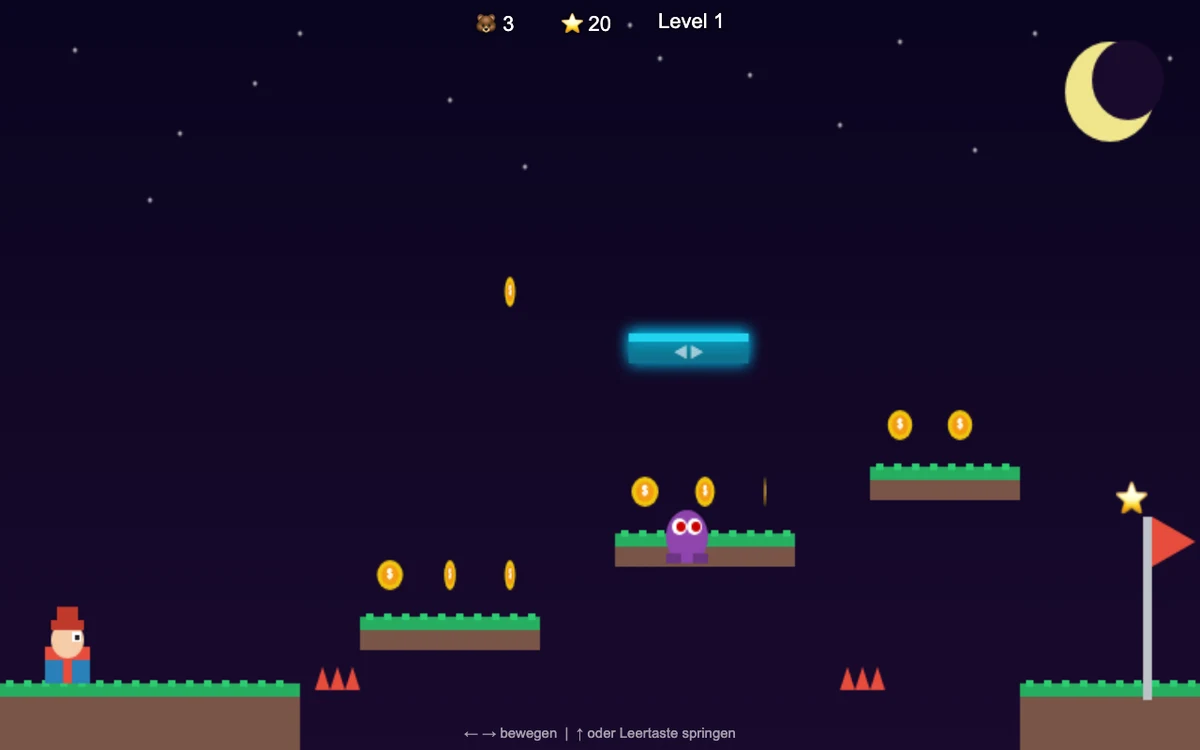
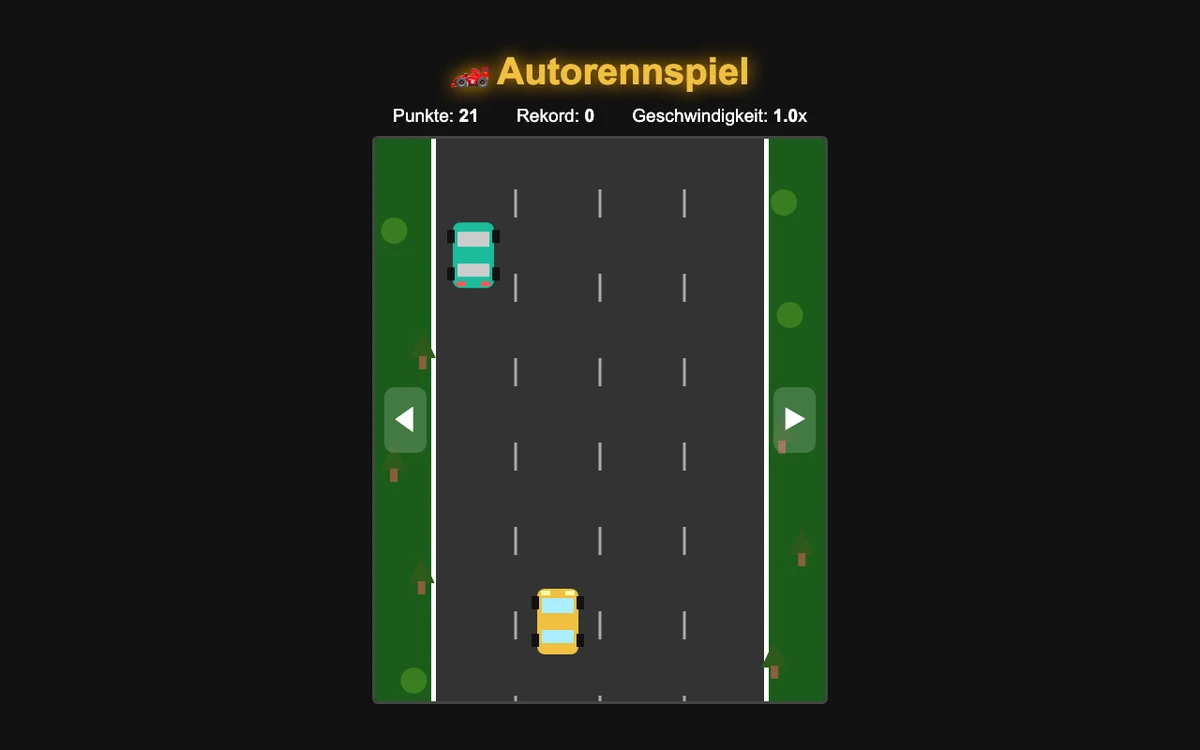
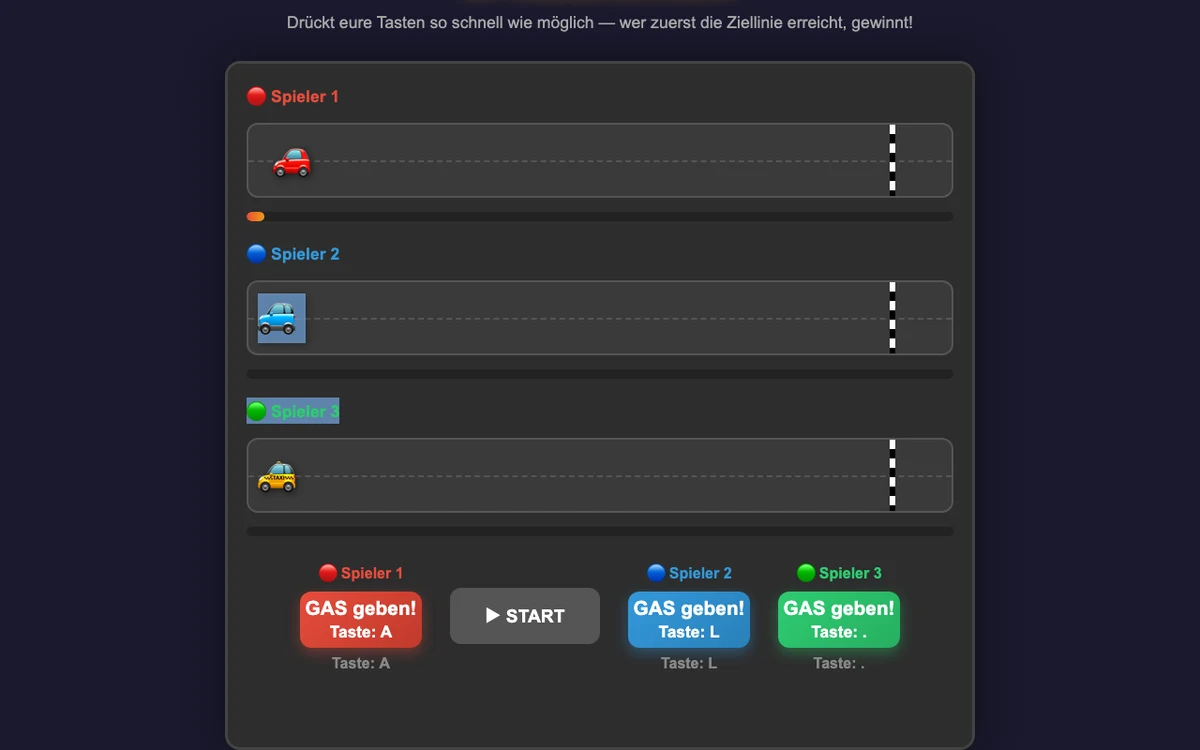
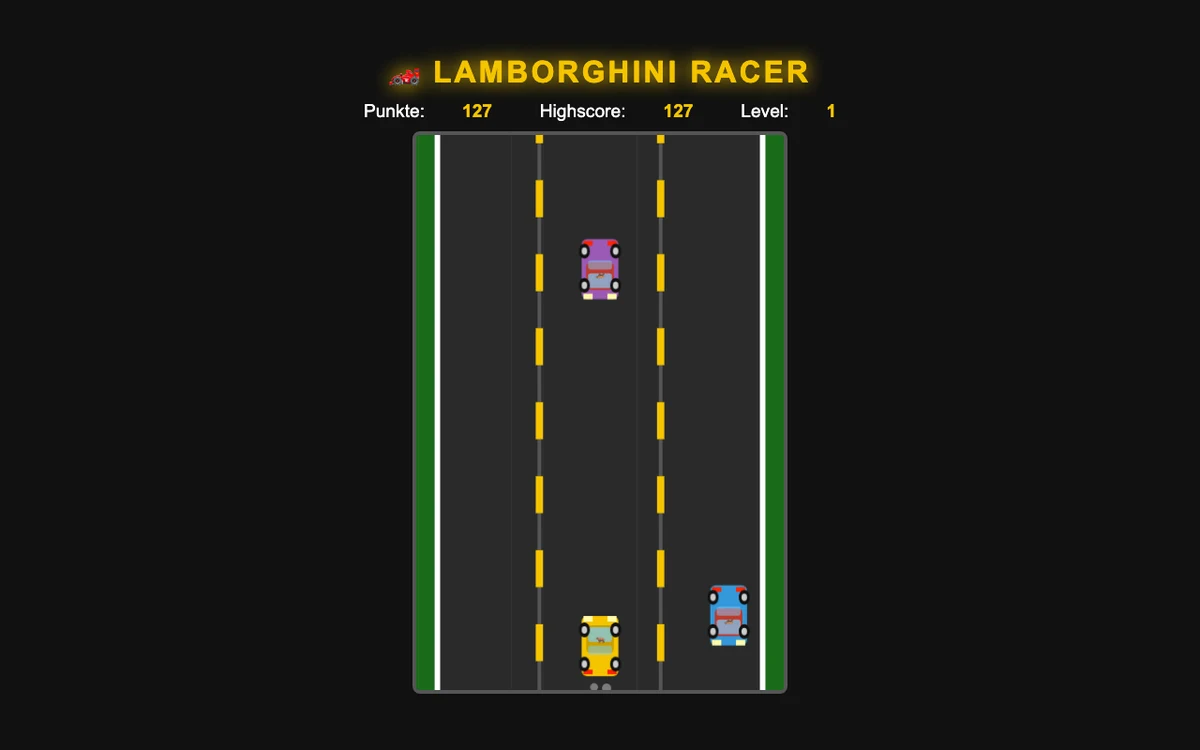
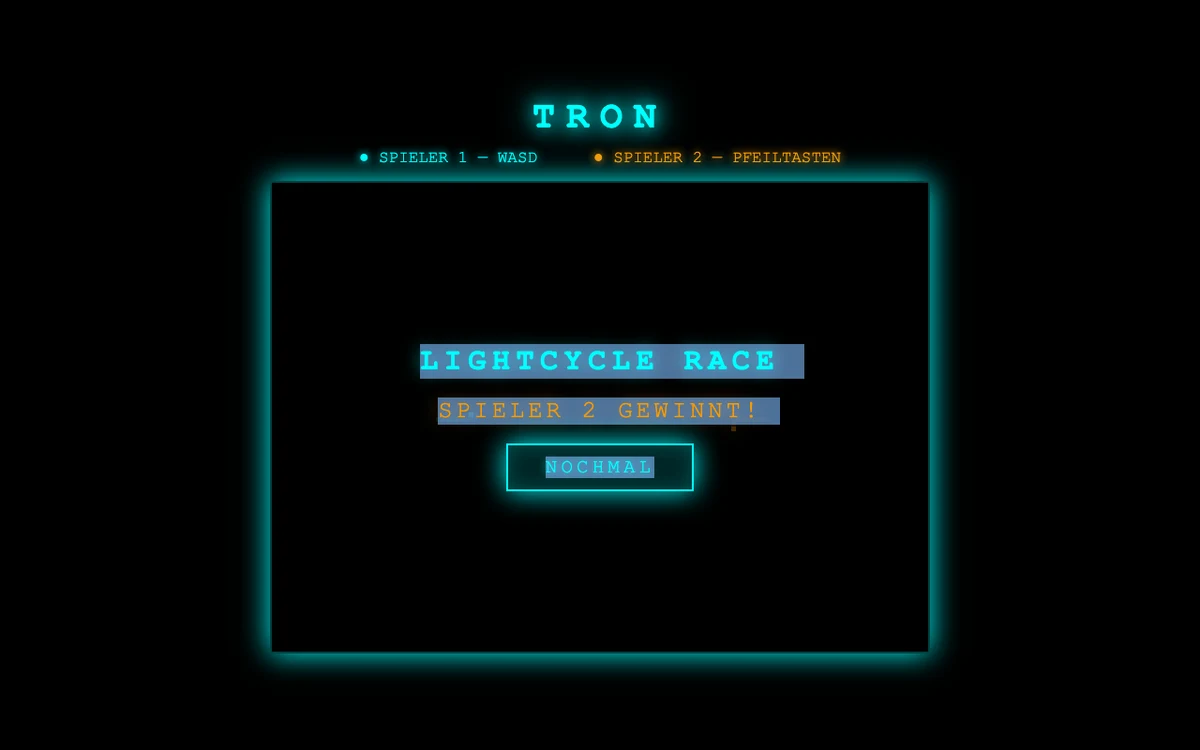
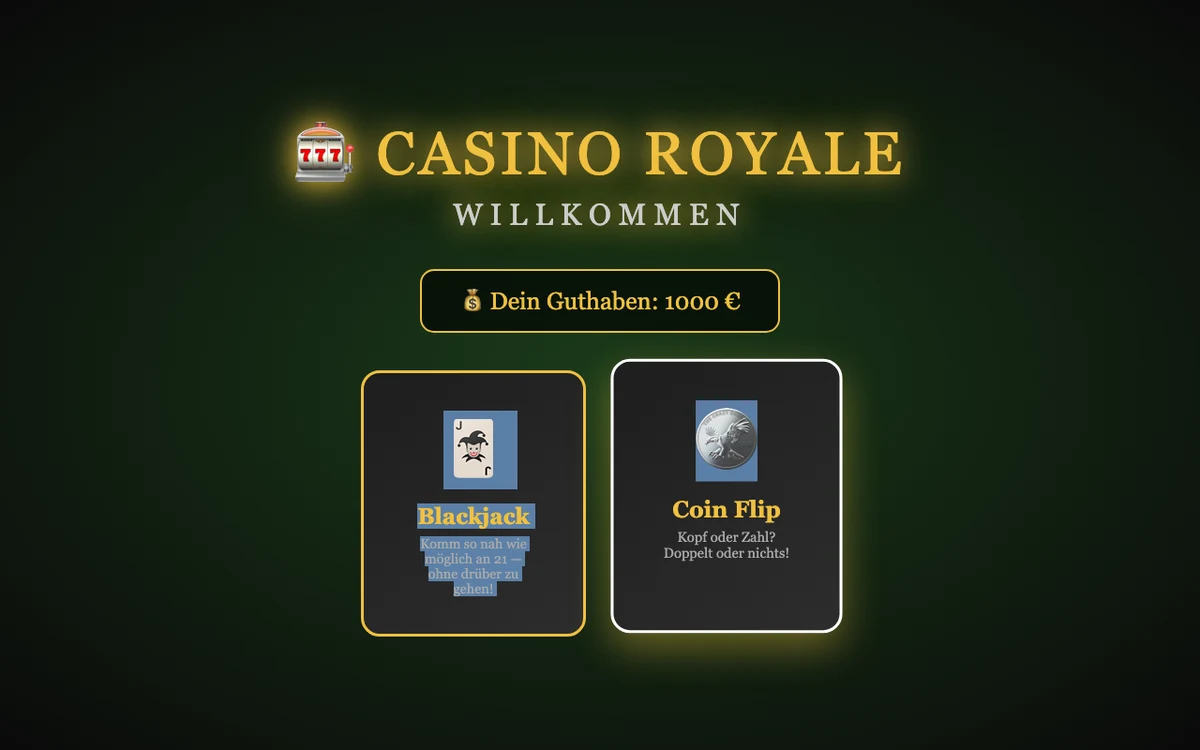
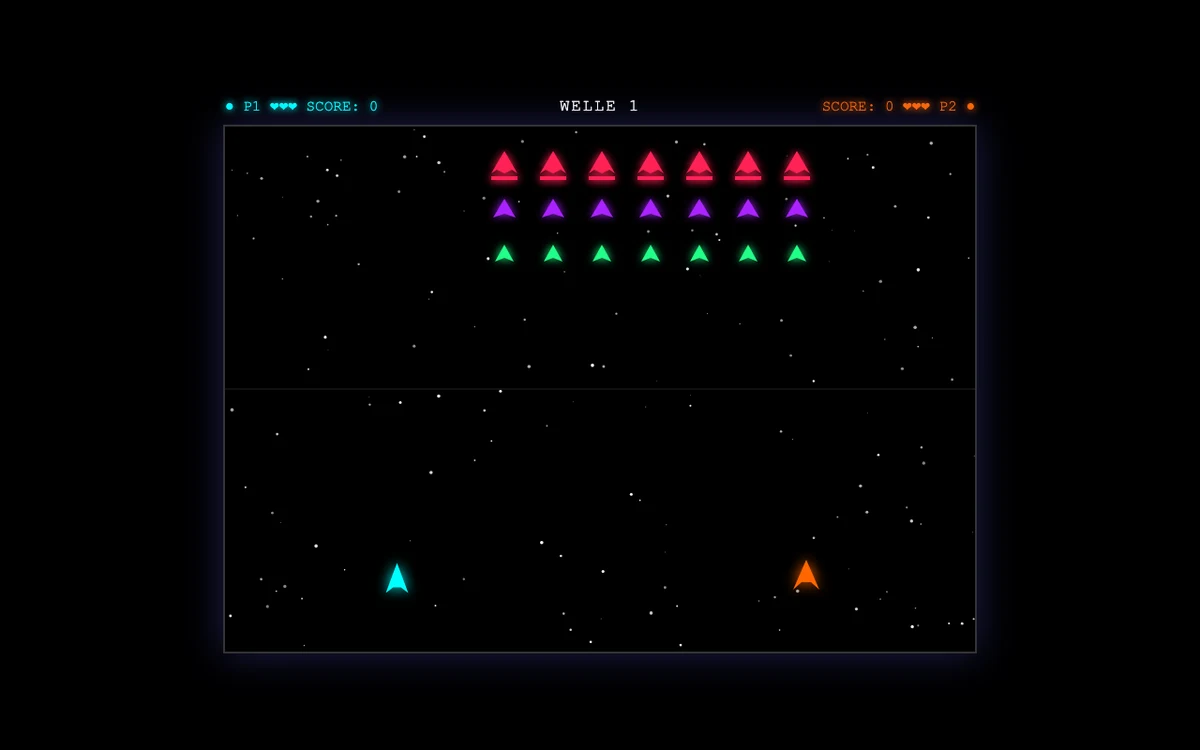
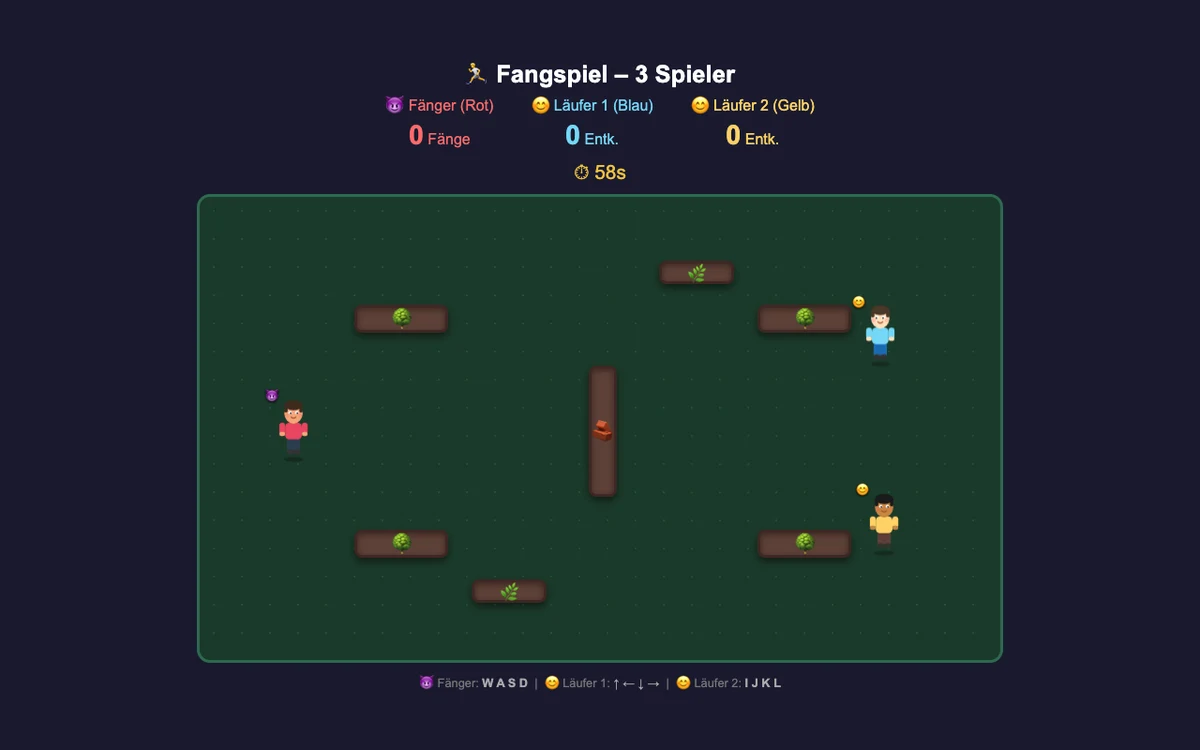
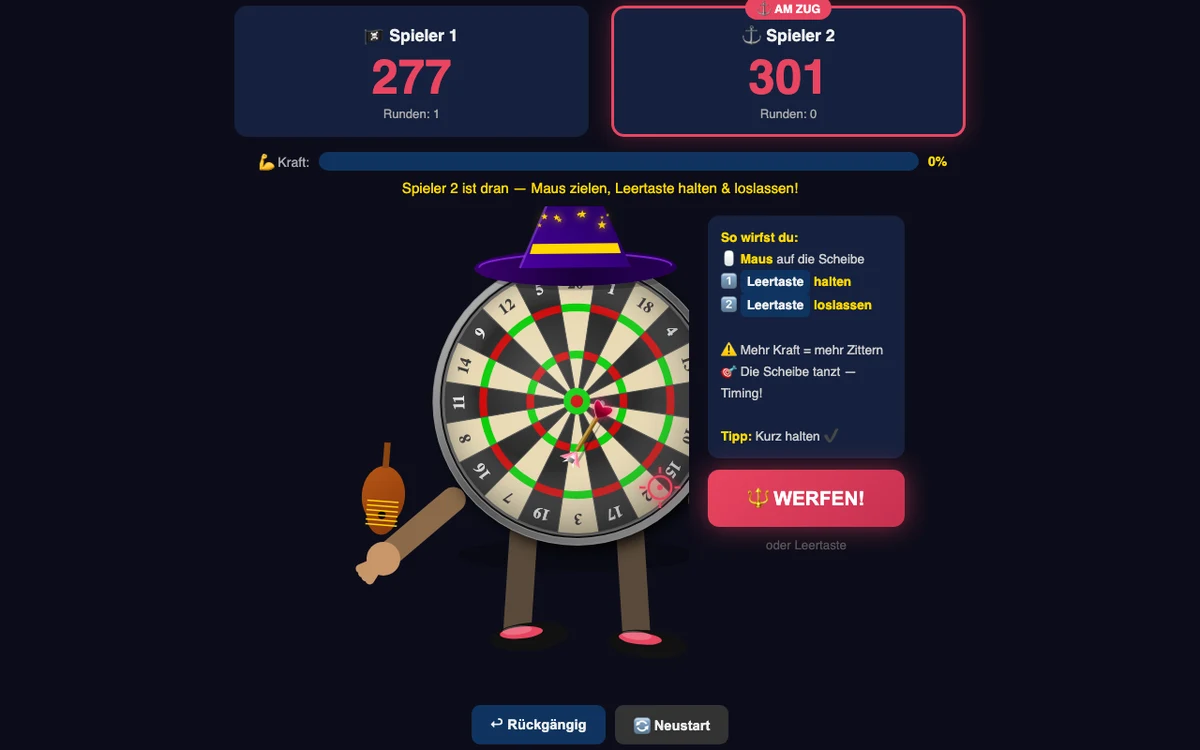
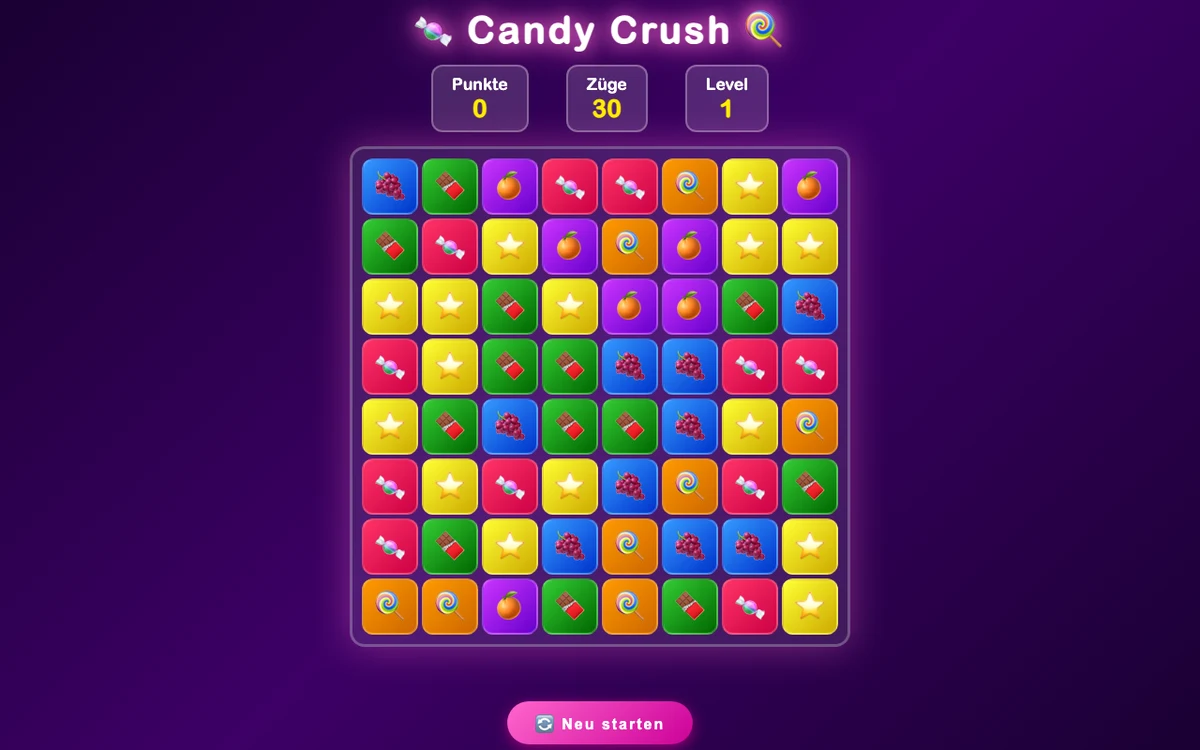
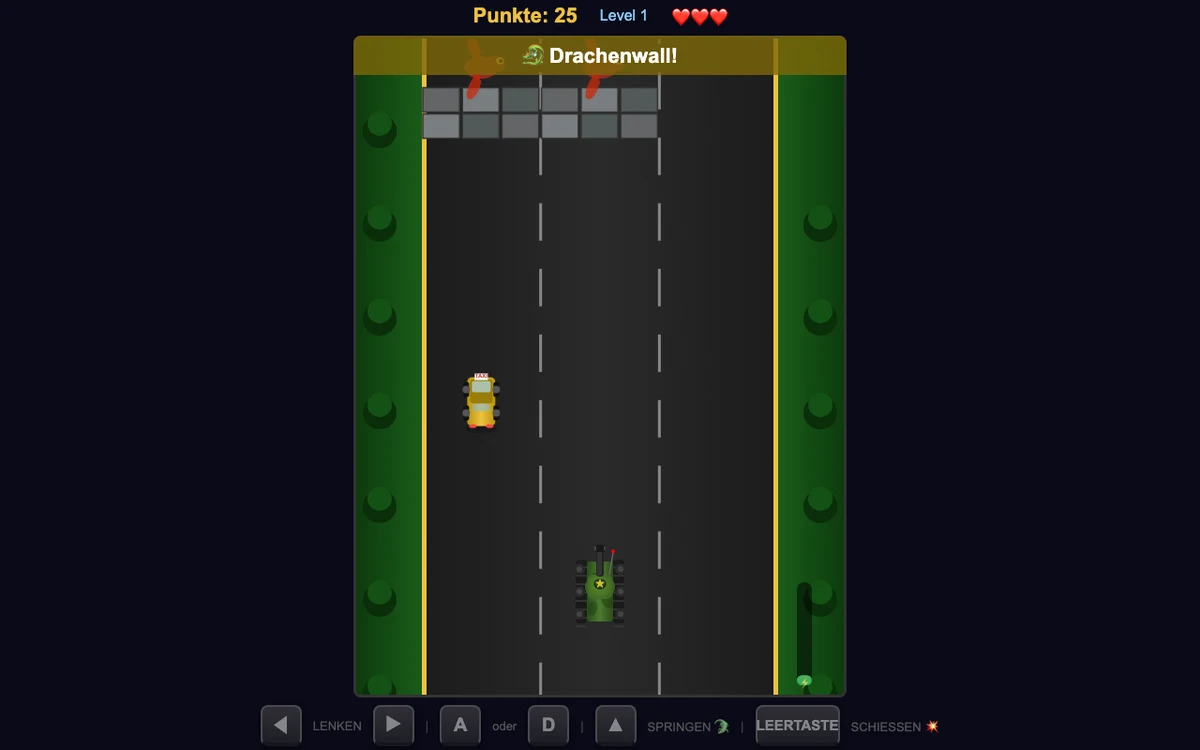
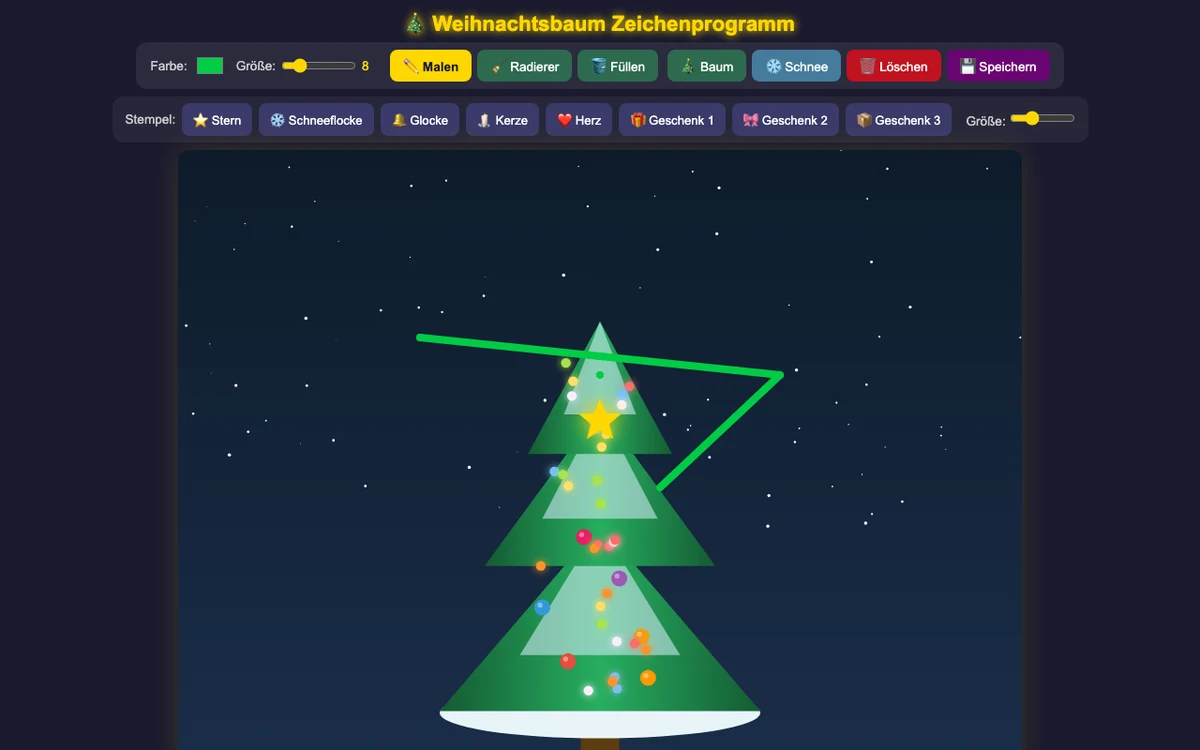
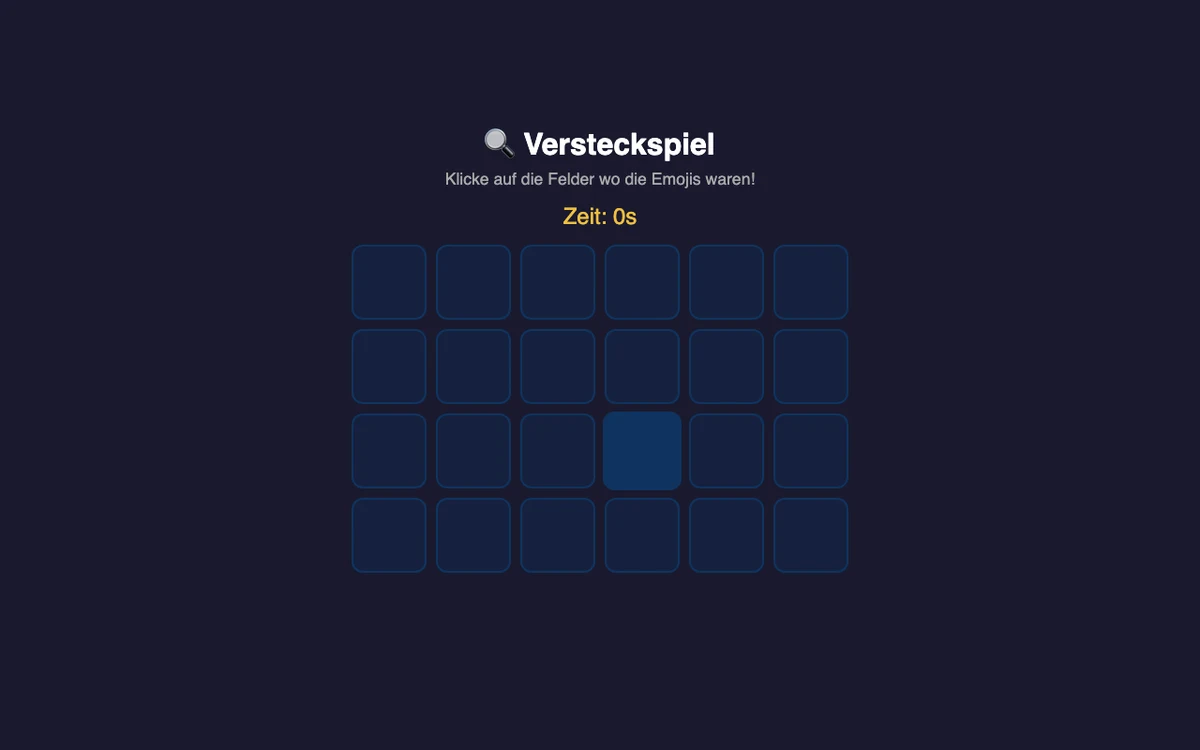
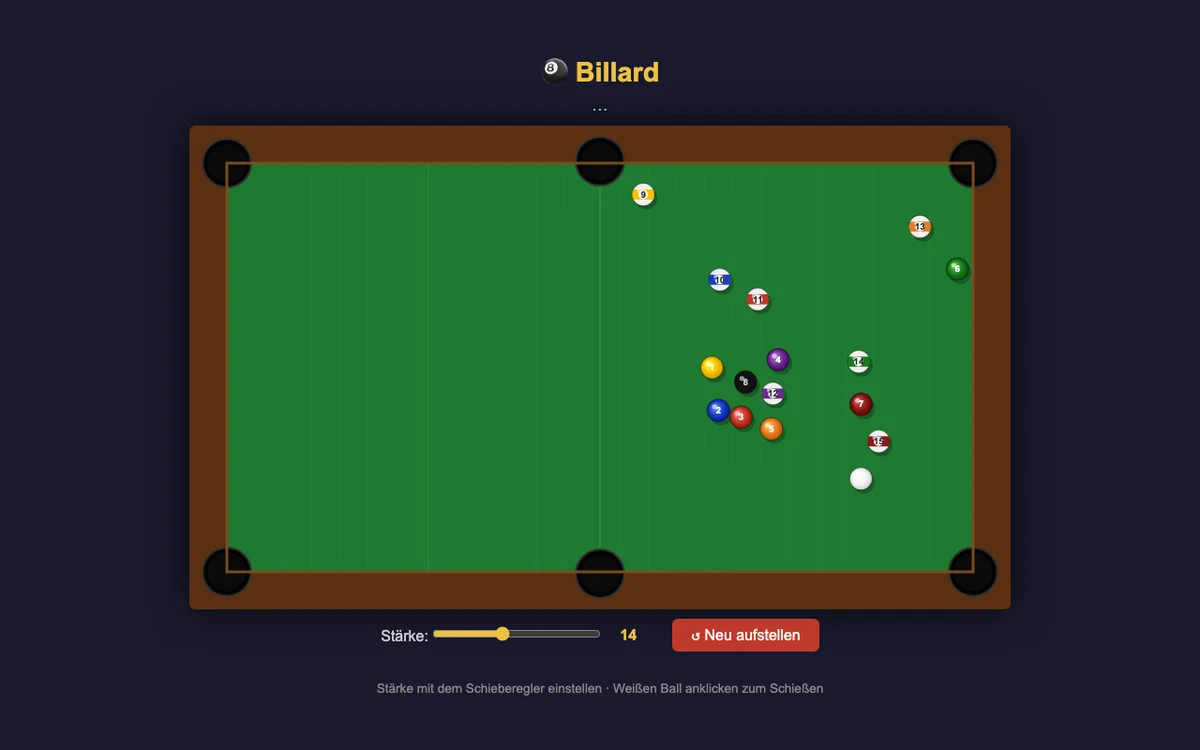
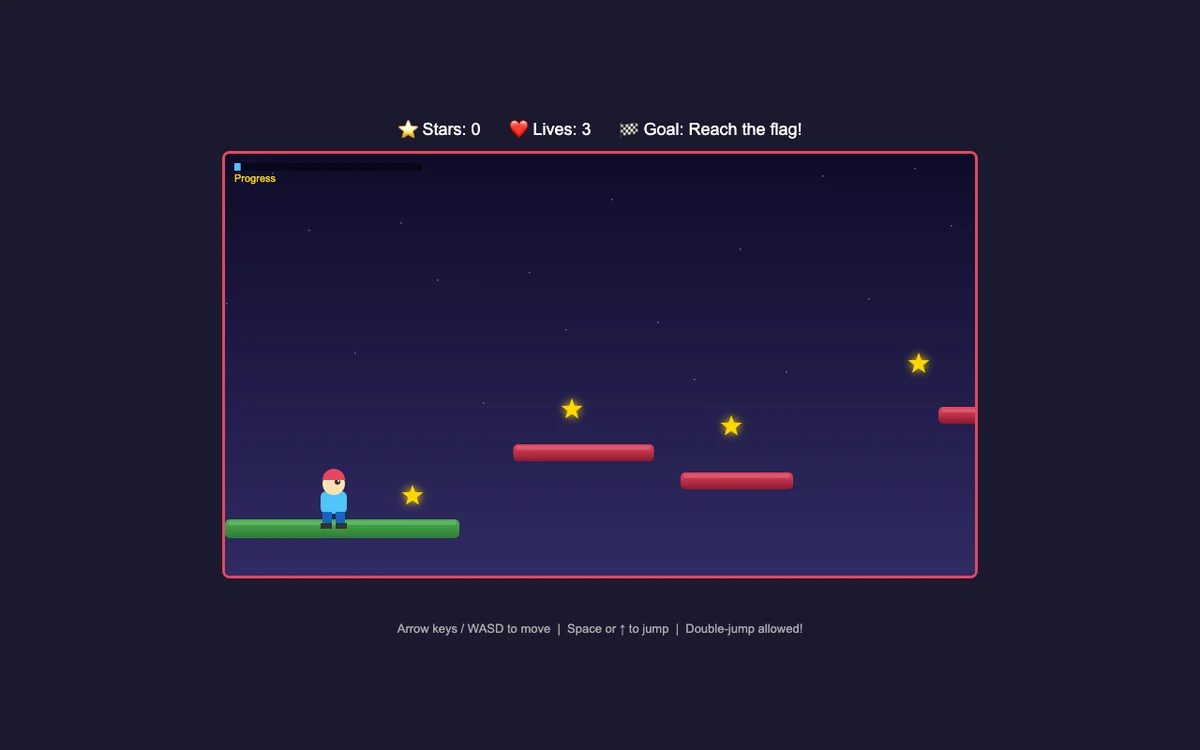
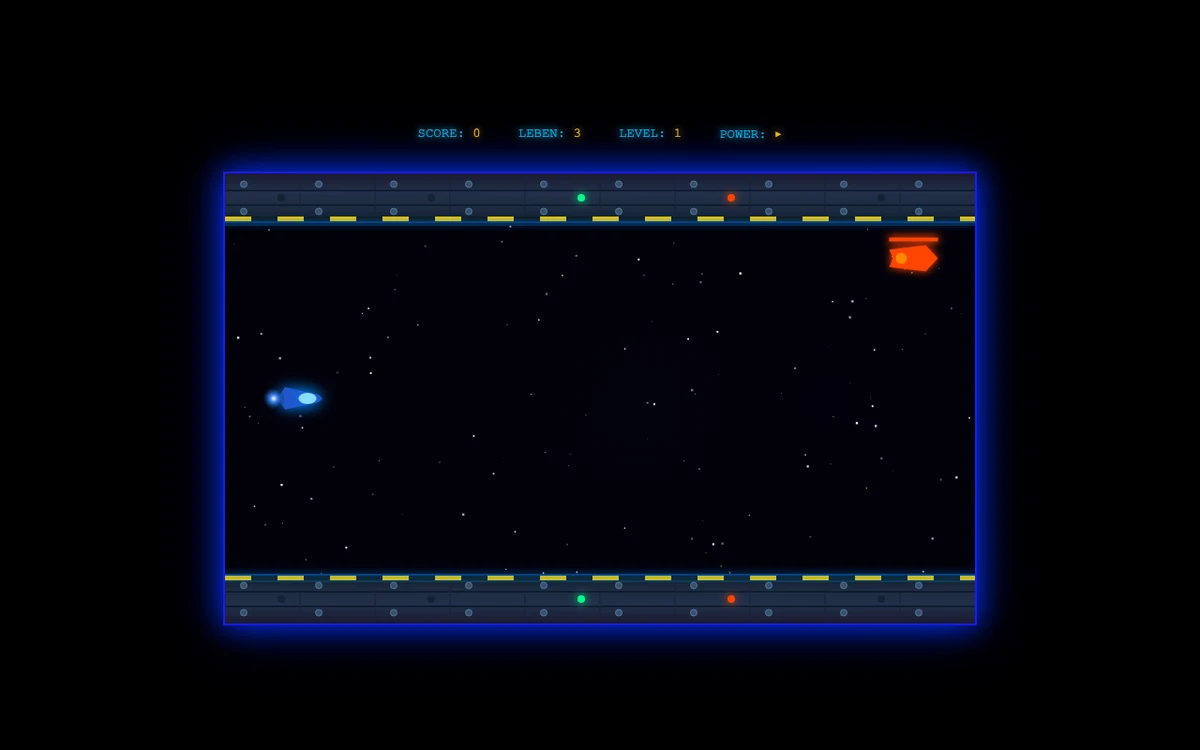
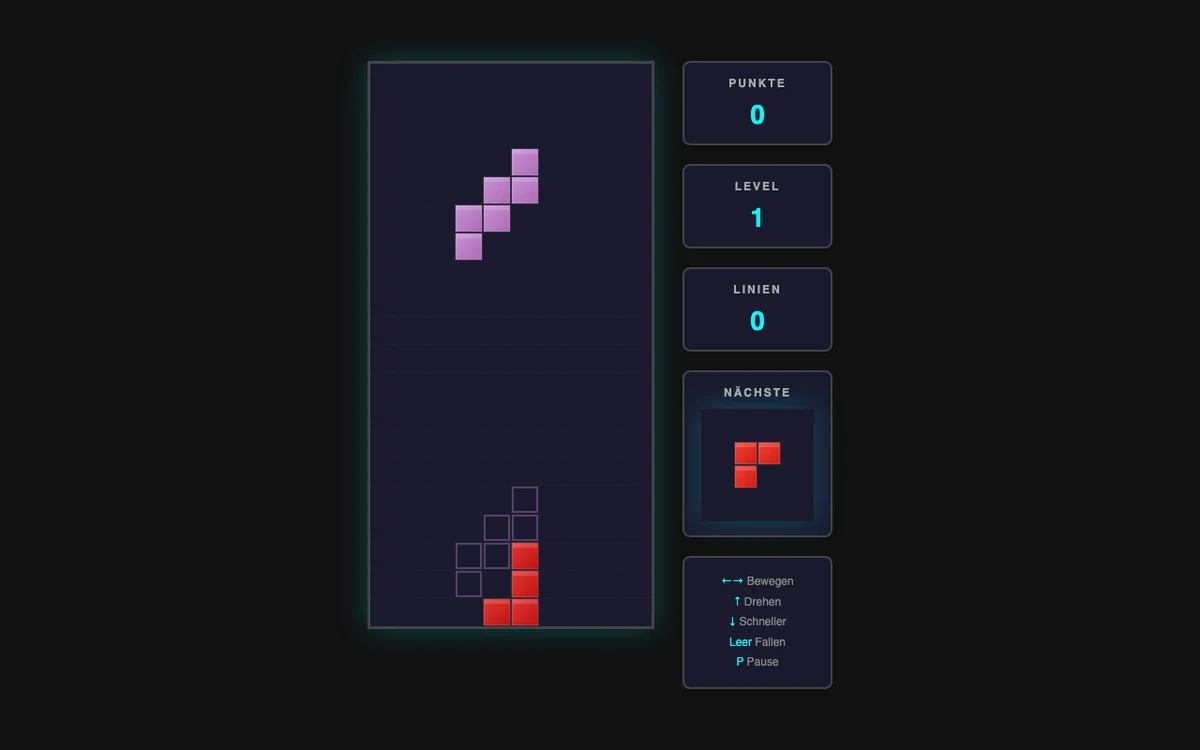
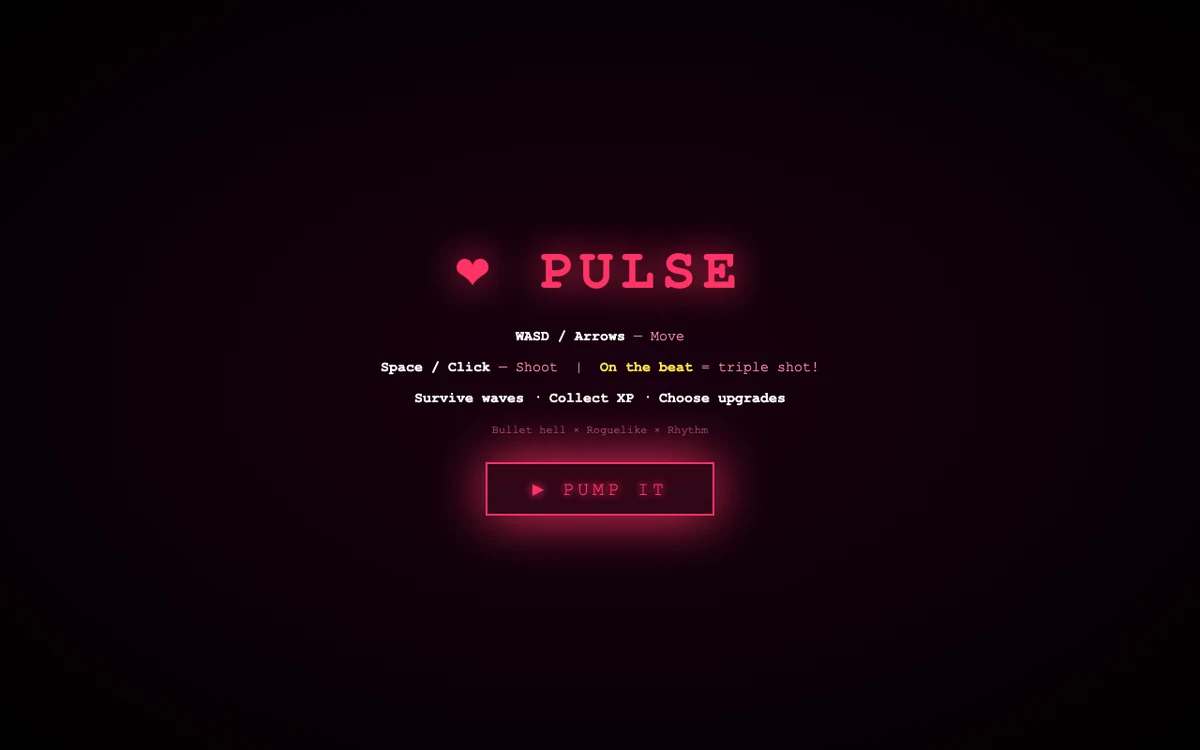
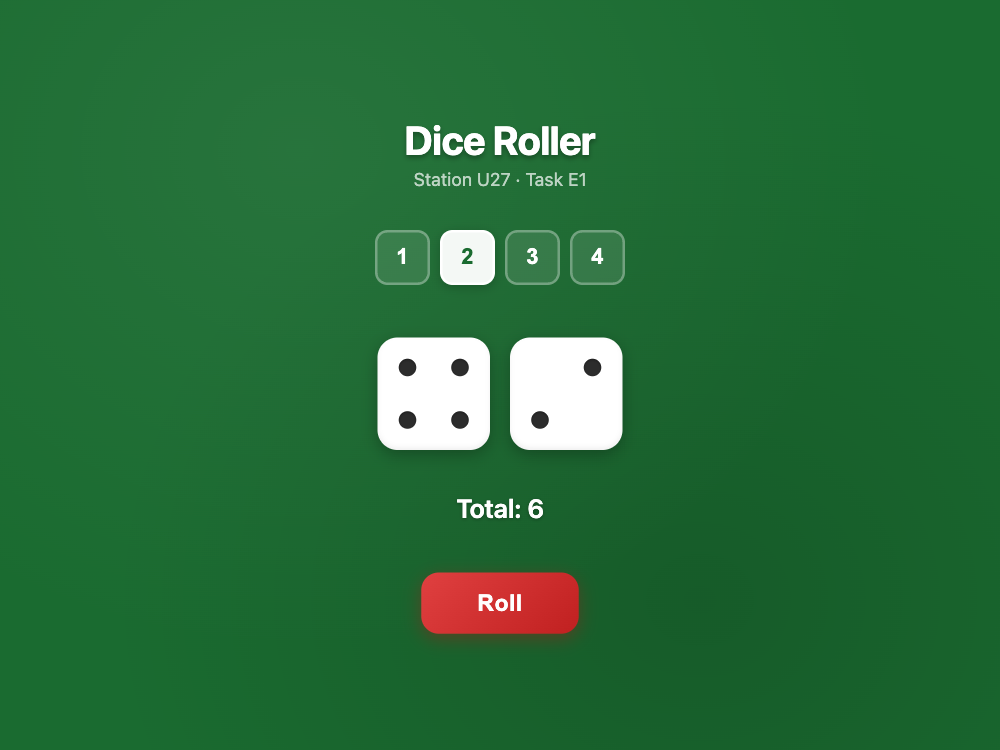
Six hours of hands-on station — what came out were dice rollers, platform games, racing games, drawing tools, weather dashboards, quizzes, and more.
4AI workbenches
9task cards
39creations archived
37 889lines of code
64most-used color
43 ⭐most-used emoji
21Spacemost-bound key
∞creative ideas
§ 1From room S.2.42 — Klagenfurt, AAUp. 1
A hands-on station about AI and code
At the Long Night of Research 2026, the Software Engineering Research Group hosted Station U27 in room S.2.42 at the University of Klagenfurt. Clemens Bauer, Johann Glock, and Martin Pinzger were there to support the visitors — answering questions, untangling ideas, and helping visitors turn what they had imagined into playable webpages.
The goal: make today’s AI programming tools tangible. Every computer ran the same simple loop. Visitors described what they wanted in plain language. The AI wrote the HTML, CSS, and JavaScript, saved it as one file, and opened it in the browser. If something was off, the visitor said so — like any conversation, as a back and forth between visitor and AI.
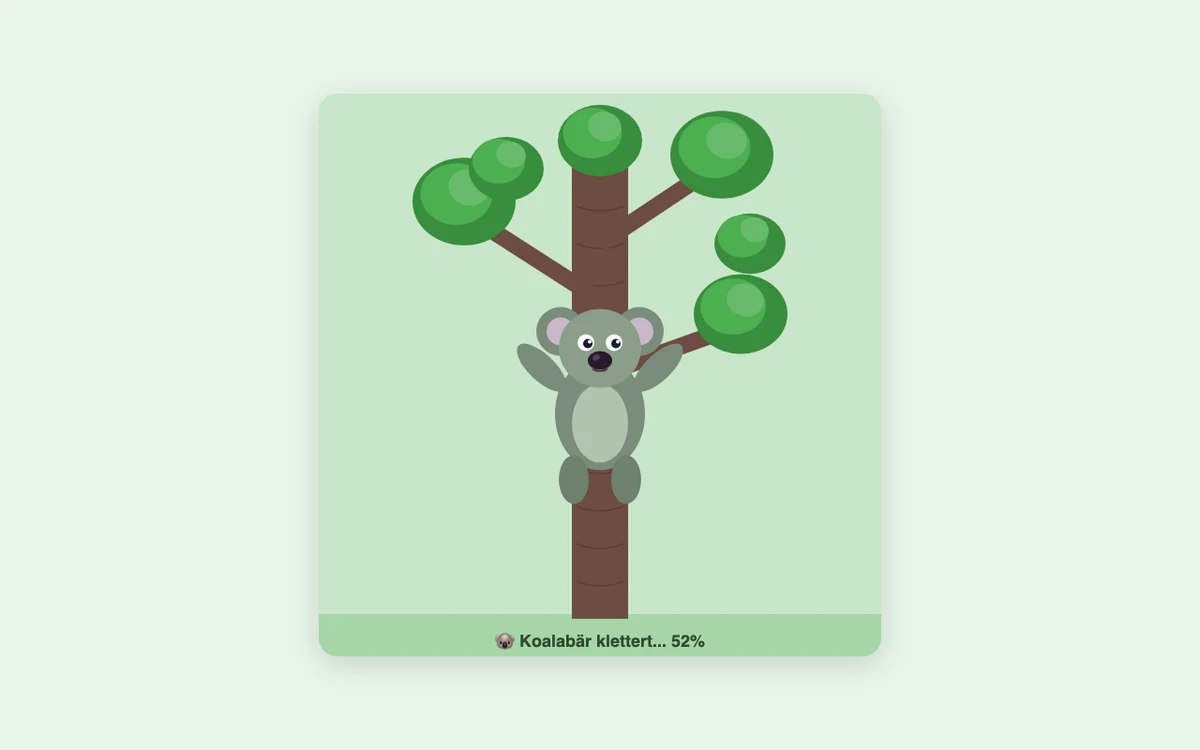
Some things worked impressively fast. Others showed the limits just as plainly. The room stayed active and curious, especially when kids realized that a passing idea — a dice game, a quiz, a small tool of their own — could become a working webpage within minutes. By the end of the evening, over ninety pages had been built — a visible archive of the night.
§ 2What got builtp. 2
The creation index
39 creations · 13:23–22:22
Over the evening, 91 webpages were created. This index gathers 39 creations that open well, feel distinct, and tell the story of the night. Very similar drafts, problematic topics, and shaky attempts stayed off the page.
Three stacks of task cards sat on the table: easy, medium, hard. Each card gave visitors a concrete starting point and a short checklist for judging the result. And if you came with your own idea, you could of course just start with that.
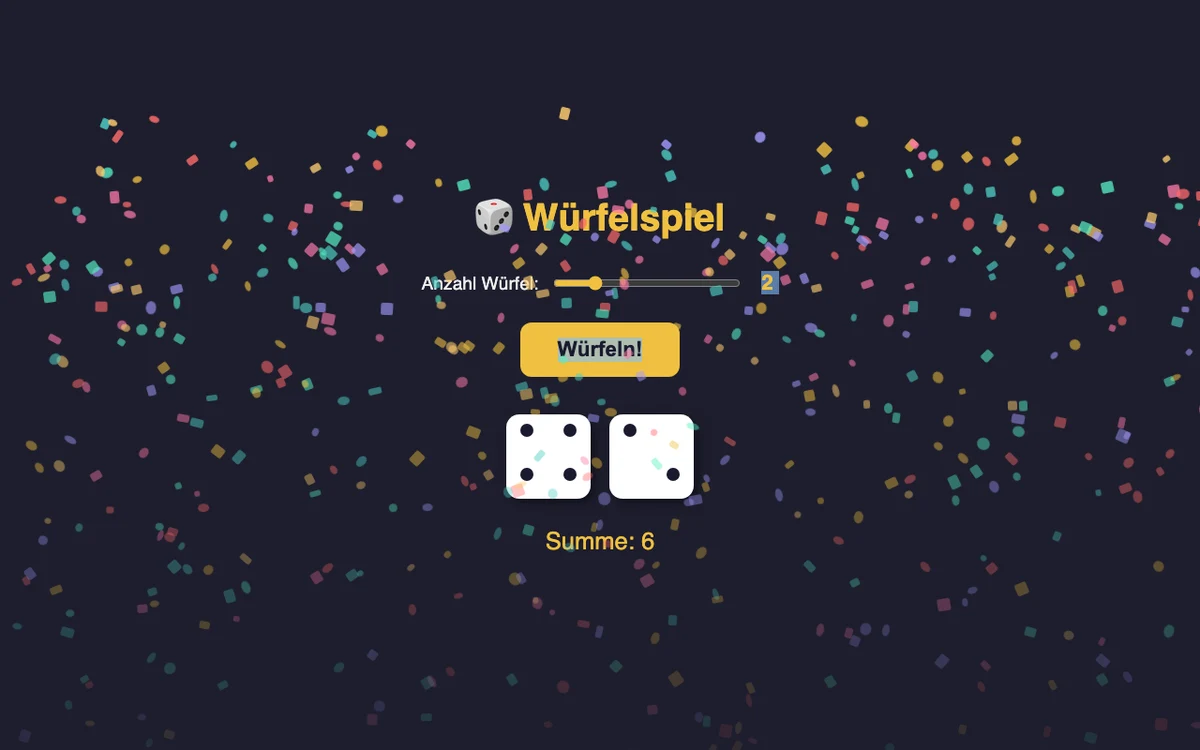
Does the die show dots arranged like a real die (not just a number)?
Is there an animation when you roll?
Can you choose how many dice to roll?
Want more?
Add a betting mode: guess if the next roll will be higher or lower
Confetti explosion when you roll the highest number
Make the dice 3D with a real tumbling animation
№ 02 Reaction Time Test
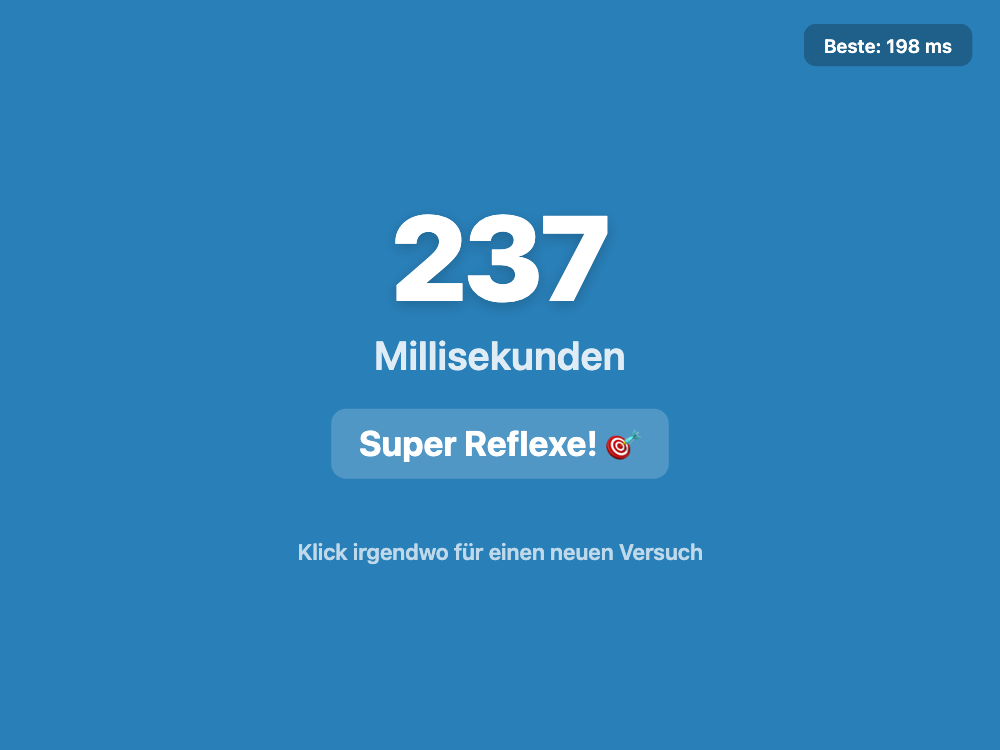
Build a game that tests how fast you can click when a color changes.
Check your result
Does the screen change color at a random time (not predictable)?
Does the game end after a set number of rounds (e.g. 5) with a final score?
Does it catch you if you click too early (cheating)?
Want more?
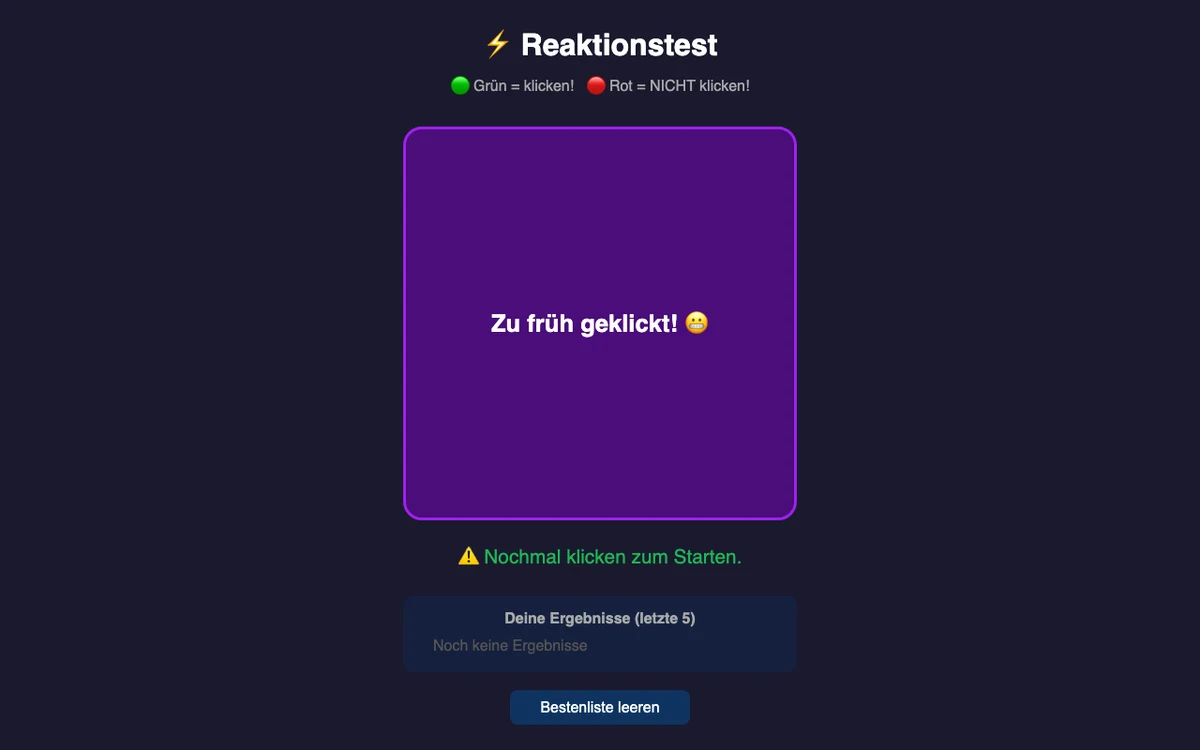
Add a go/no-go mode — click on green, but do NOT click on red
Show an animal speed comparison after each round ("Fast as a cat!")
After all rounds, show your reaction times as a graph (are you getting faster?)
№ 03 Quiz Game
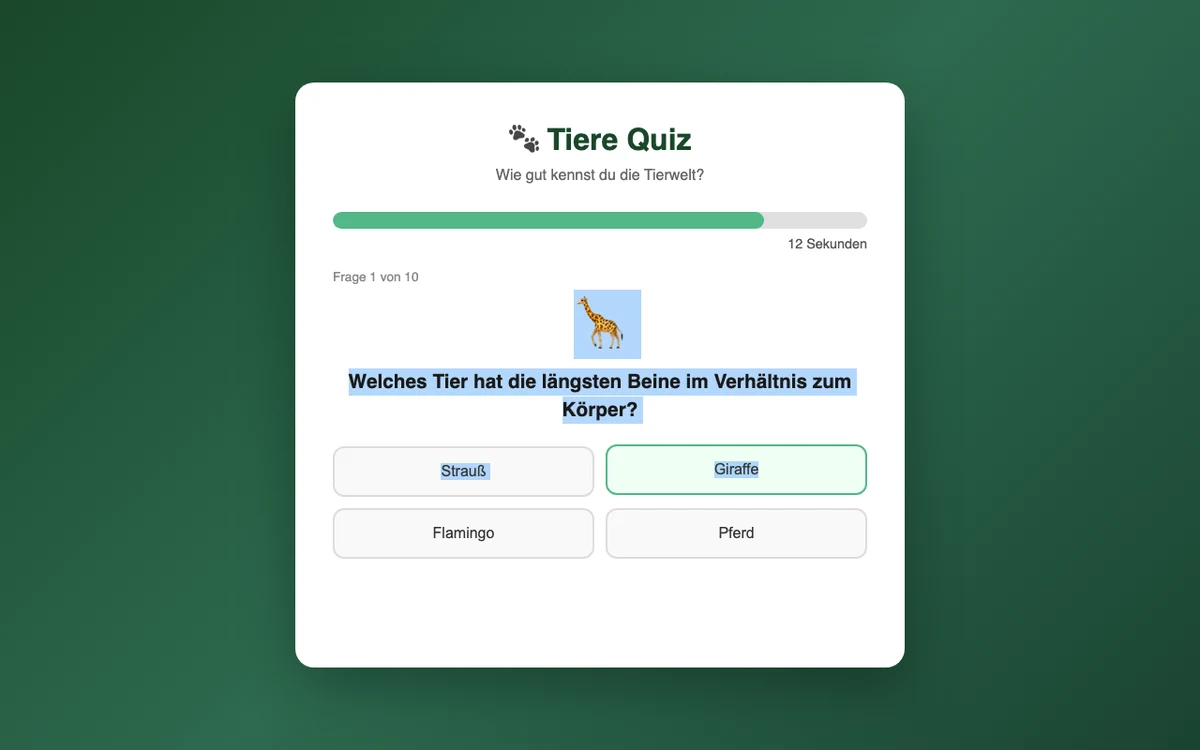
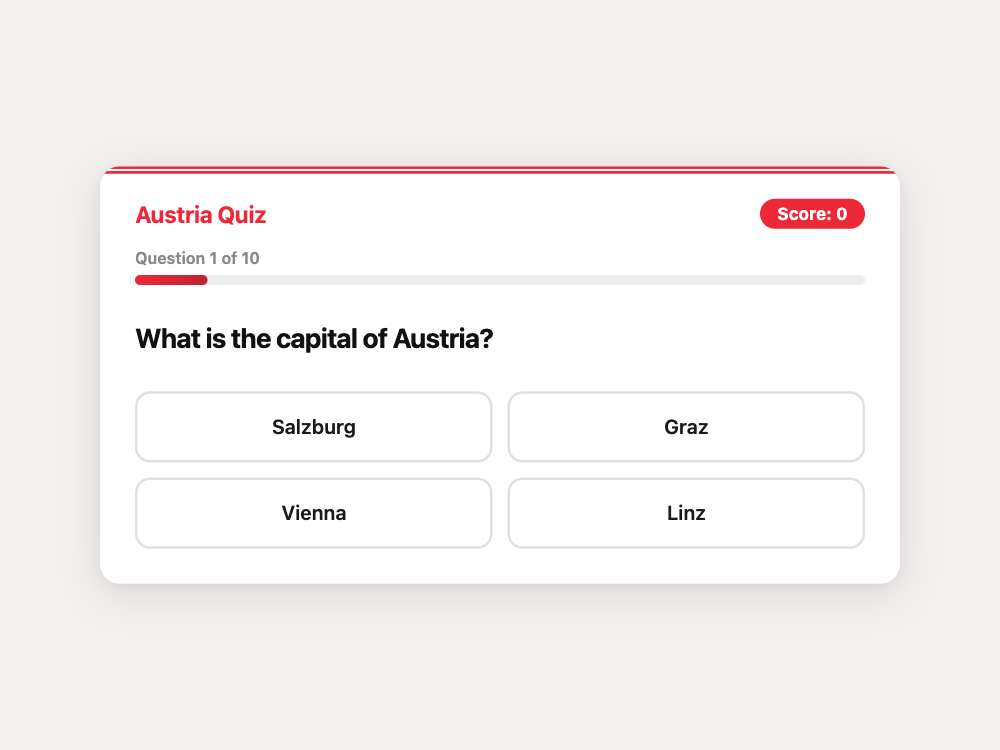
Build a quiz about a topic you like (Austria, animals, sports, movies...).
Check your result
Are the questions actually correct? (Look them up!)
Is there a countdown timer for each question?
Does it tell you the right answer when you guess wrong?
Want more?
Add a 50:50 lifeline that removes two wrong answers (usable once)
At the end, show a summary of all questions with your answers and the correct ones
Questions get harder as you go — easy ones first, hard ones at the end
§ 4How it workedp. 6
Plain language in, webpage out
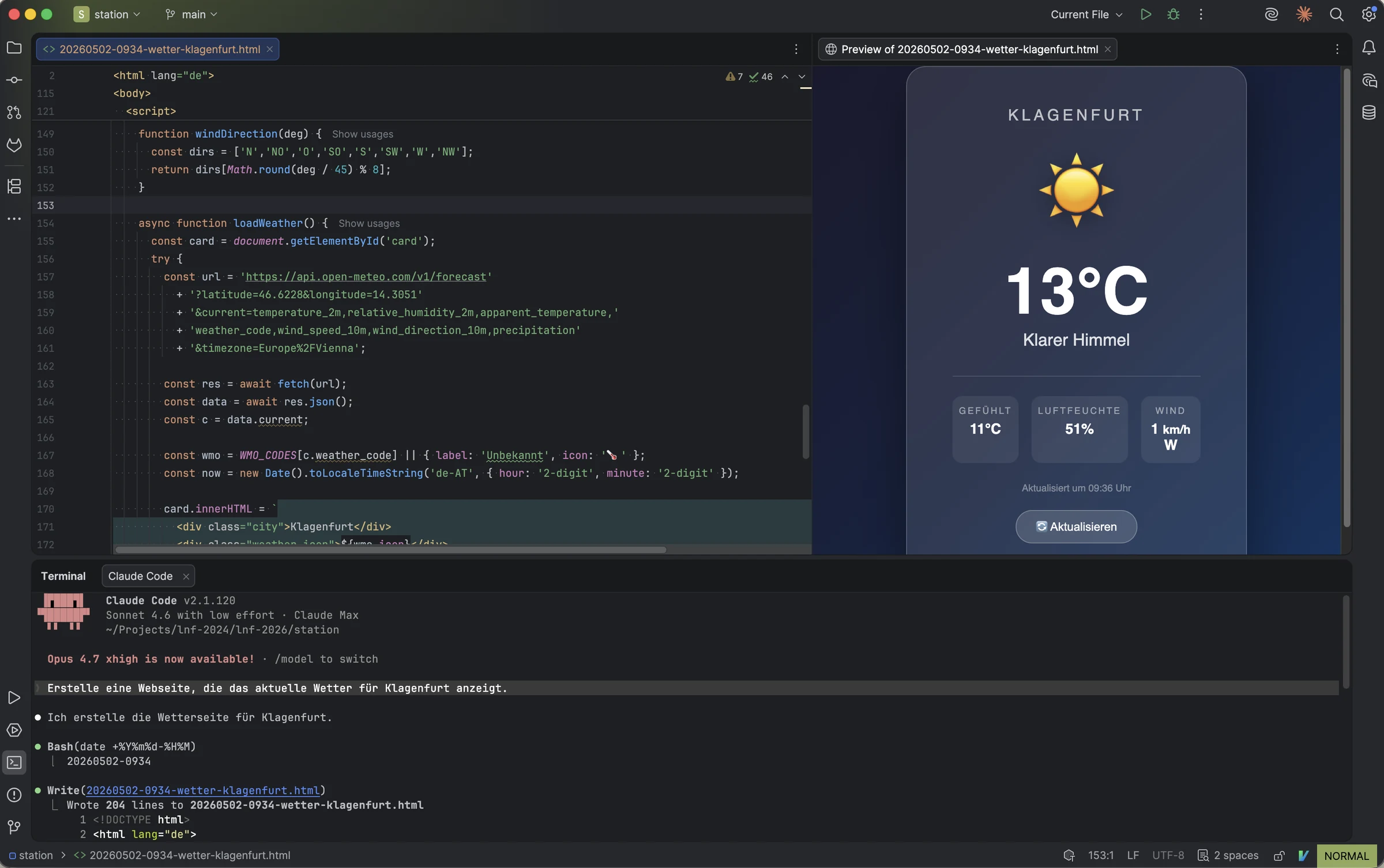
Each computer ran WebStorm1 with the Claude Code plugin2. Visitors typed what they wanted in plain language. Claude3 wrote HTML, CSS, and JavaScript, saved everything to a file, and opened it in the browser. If something was off, changes were discussed with Claude in plain language — or visitors took a look behind the scenes at the source code.
1 · DescribeA person describes their idea.
2 · GenerateClaude creates a webpage.
3 · OpenThe result opens in the browser.
4 · ReviseChanges get discussed.
The table setup in miniature: source code, Claude Code conversation, and live browser preview side by side.
Before visitors arrived, Claude got a little instruction sheet: what kind of event this was, how to name files, and how to keep the experience friendly for people without programming experience. In developer terms this was a CLAUDE.md file. At the station it was simply the house rules for the assistant.
Document — house rules, handed to the assistantConfidential · internal
# LNF 2026 — Station U27

You are helping a visitor at a science outreach event. They have NO programming background.
They will describe what they want in natural language (German or English). Your job: build it.

## Rules

- ALWAYS produce a single standalone HTML file (all CSS and JS inline, no external dependencies)
- ALWAYS name files with the timestamp first, then a descriptive name (e.g., `20260524-1823-dice-roller.html`)
- ALWAYS open the HTML file in the default browser after creating it
- When the visitor asks for changes, modify the file you already created — do not start a new one
- Ignore any other HTML files in the directory — they belong to previous visitors
- Respond in the same language the visitor uses
- Keep your explanations to 1-2 sentences max — the visitor wants to SEE the result, not read about it
- Do NOT explain the code unless the visitor asks
- Do NOT use npm, pip, or any package manager
- Do NOT create a server (no Flask, no Express, no http-server)
- Do NOT use external CDN links or API keys
- For weather/data tasks: use the Open-Meteo API (https://api.open-meteo.com) — free, no key needed
¶ Page 1 of 1 · House rules, unabridgedCountersigned JG ✓Print clearance · 24. IV. MMXXVI · 12:55
§ 5Crosswordp. 8
A puzzle break
Ten words inspired by Klagenfurt and the Long Night of Research. The cells flagged in red, read in the numbered order, spell a hidden word.